Beard Filter
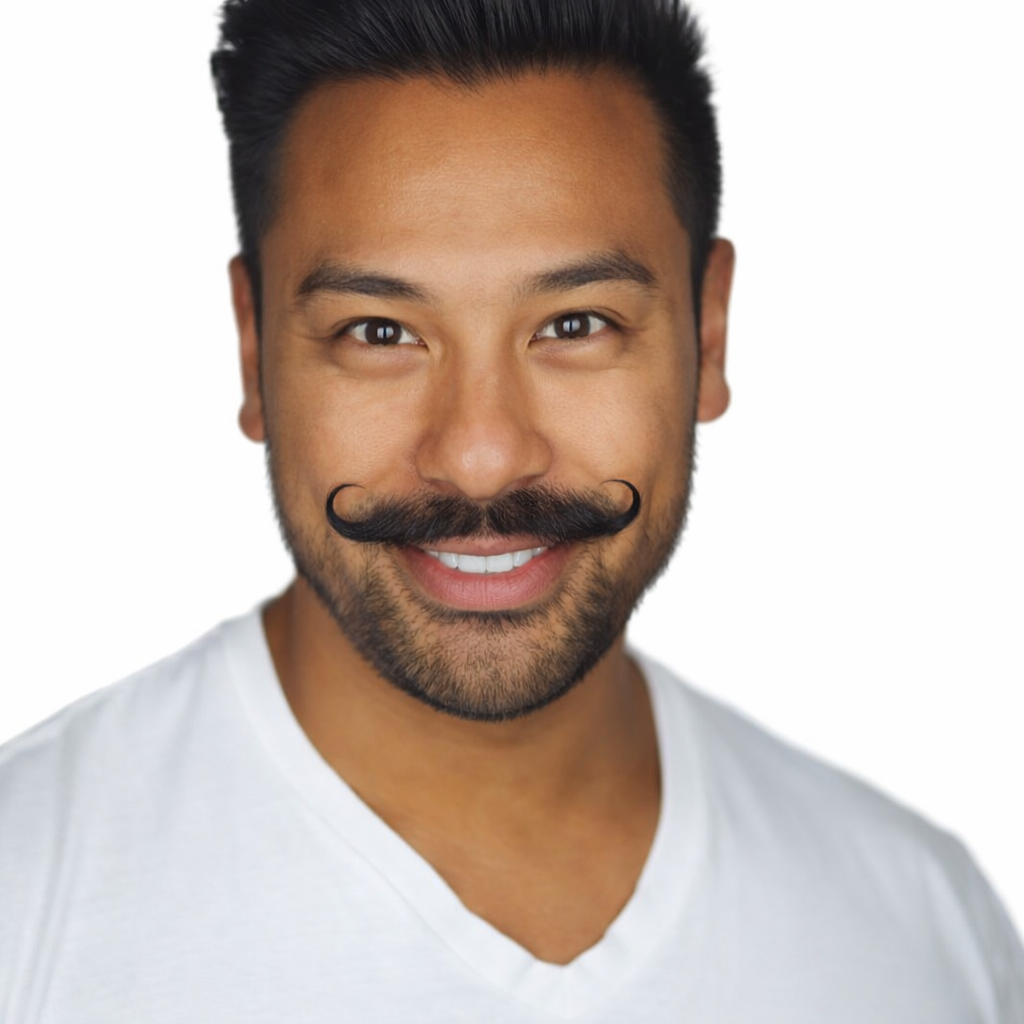
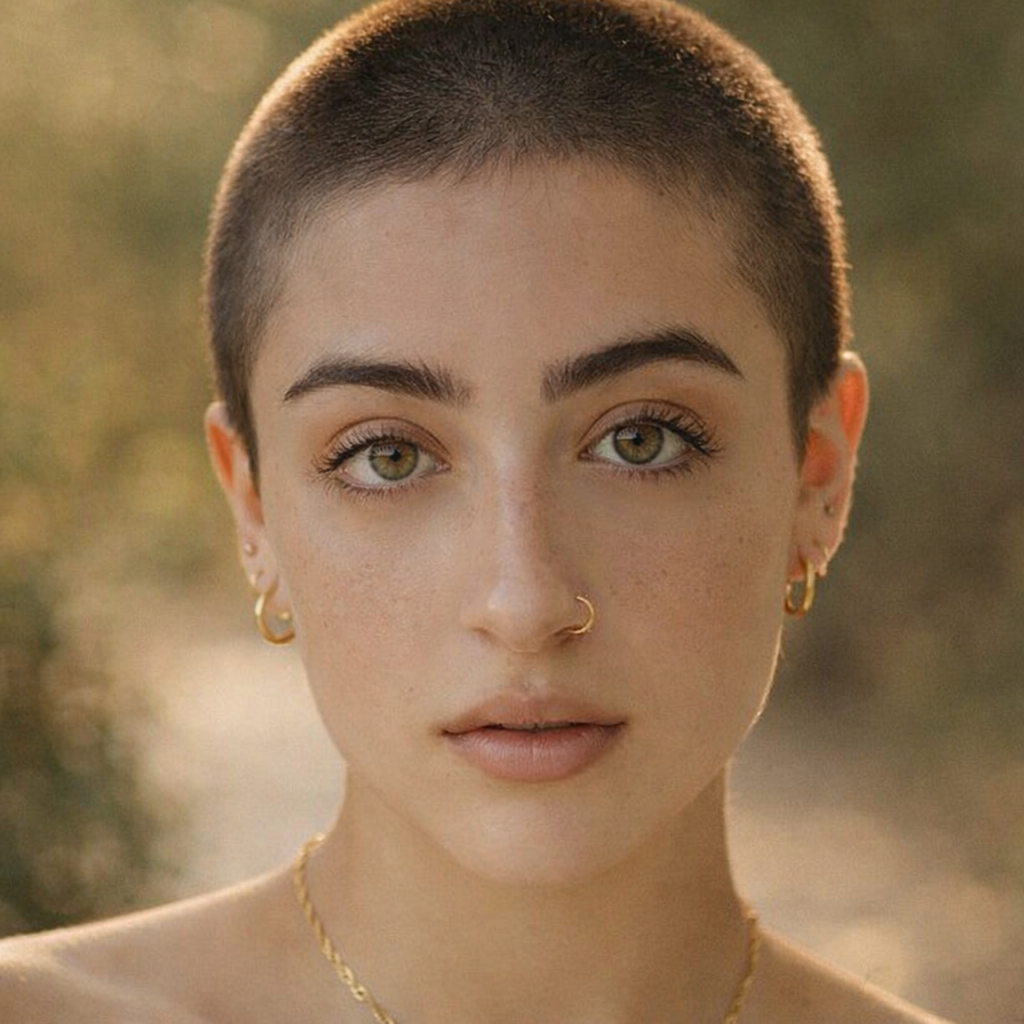
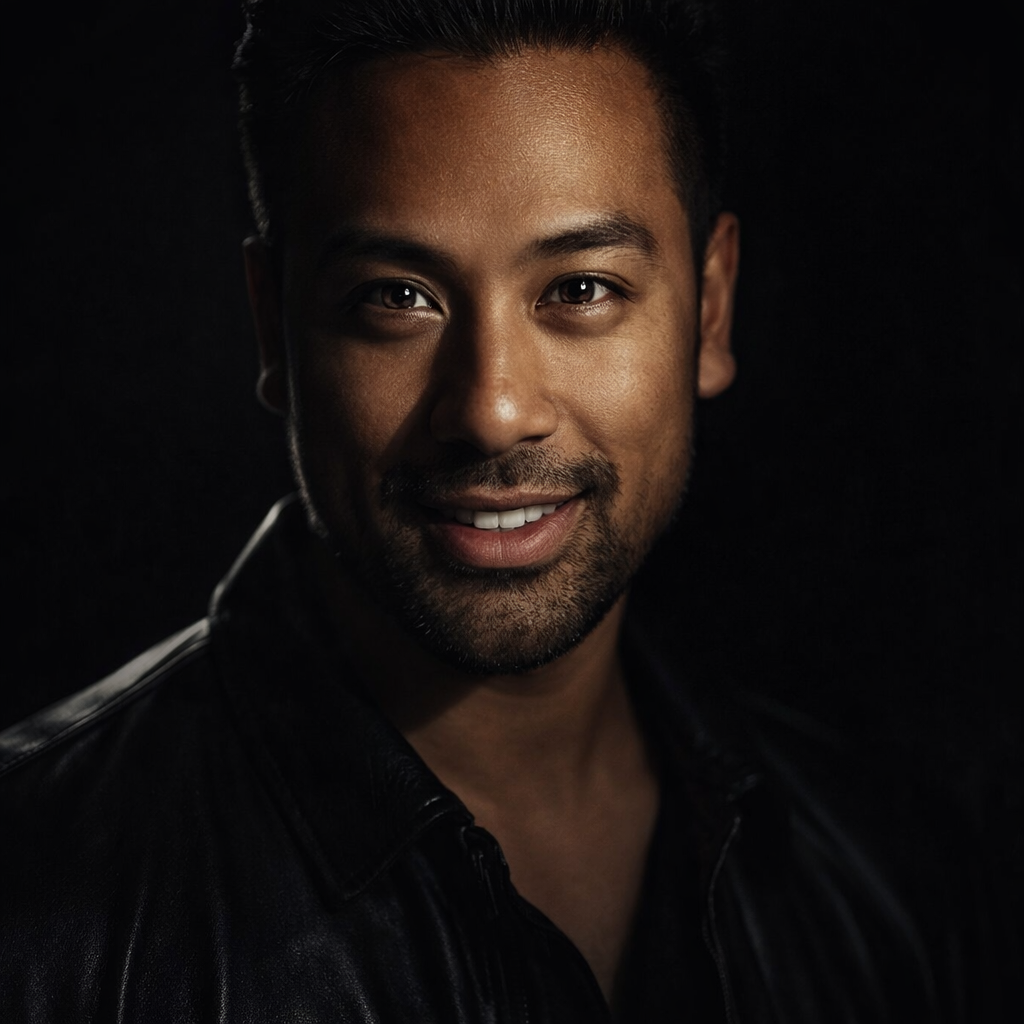
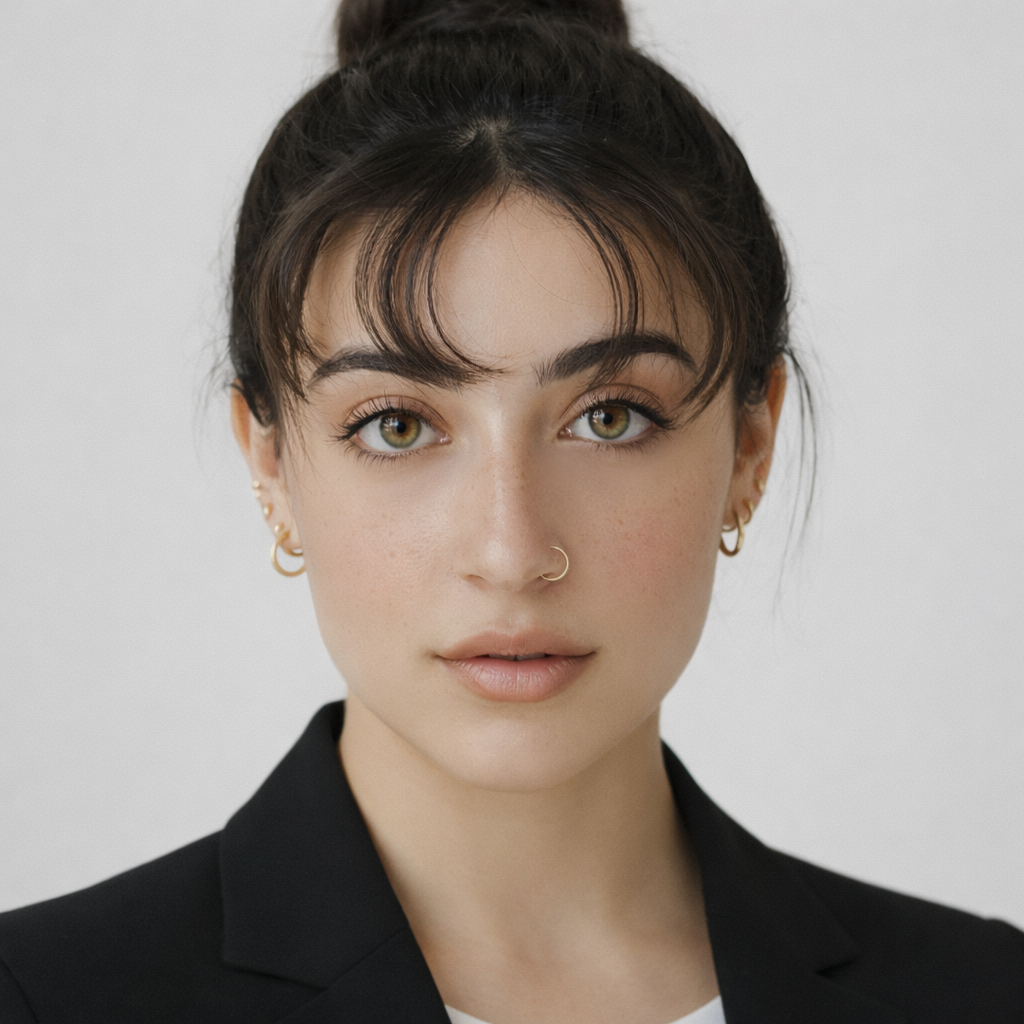
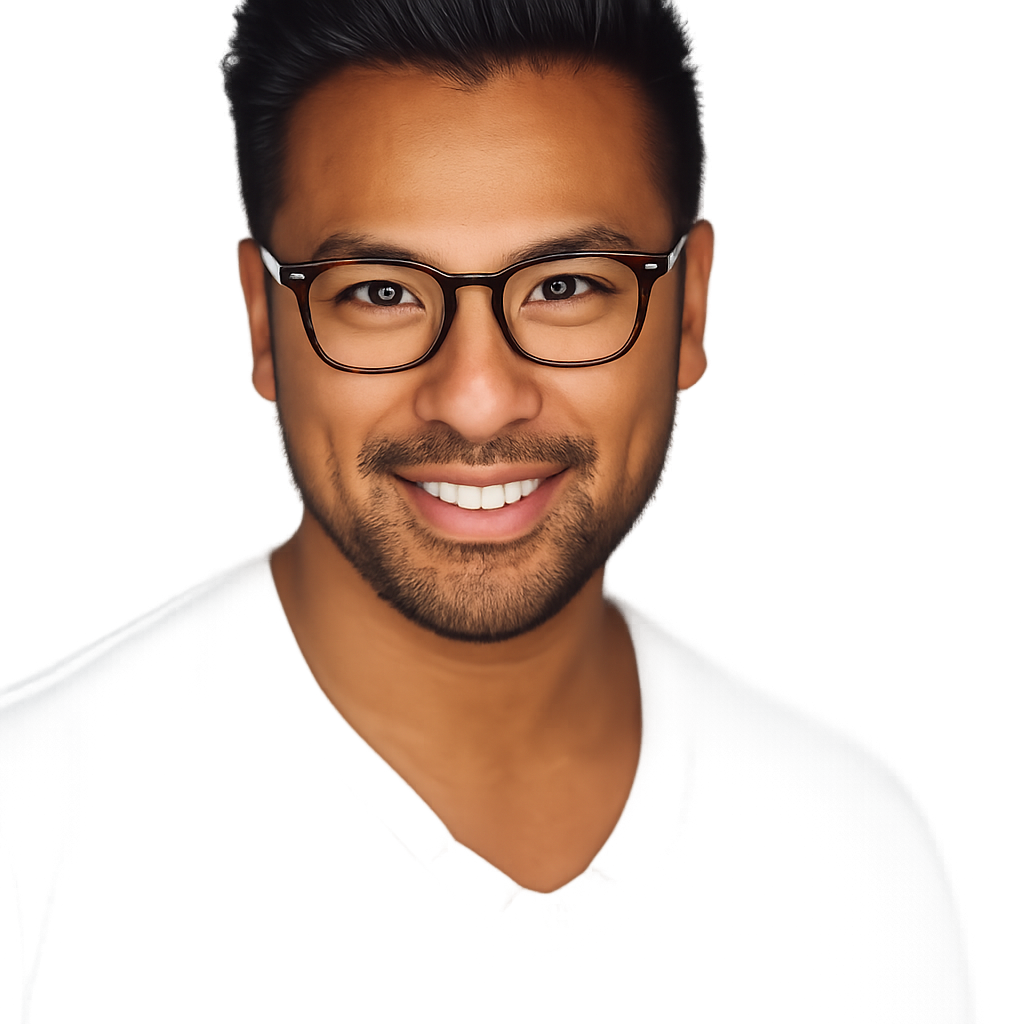
Preview stubble, short beard, full beard, goatee, and sharp designer beard styles before trimming or committing to grow.
Preset route
Choose the public starting point before you open Studio
Or choose a popular preset:
Sample compare
See the promise before you move into execution
 Before
 After
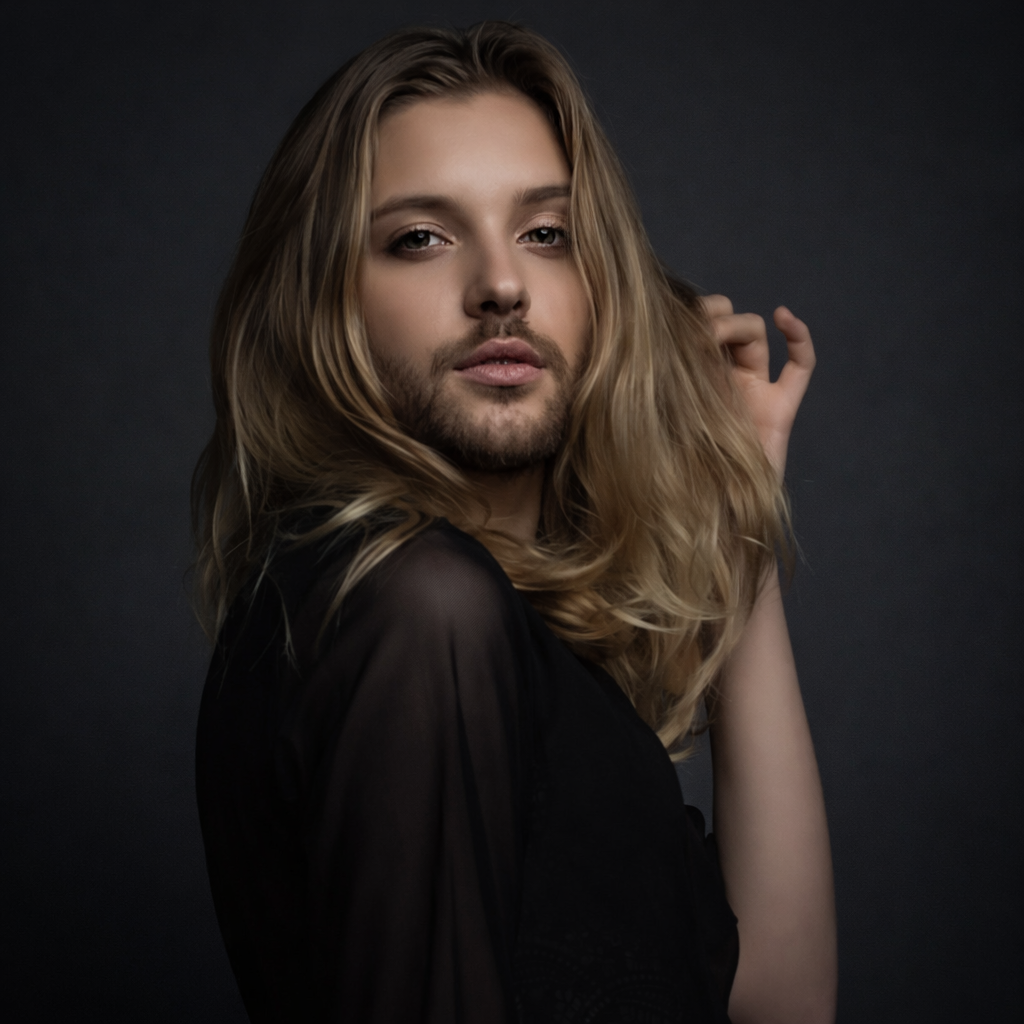
AfterSee How a Beard Looks on Your Face Before Growing One example result
The public page explains the workflow. `/studio` remains the execution layer.
Sample Results
See what this tool can do with real photos.
BeforeAfterSee How a Beard Looks on Your Face Before Growing One example result
User Reviews
Based on 539 reviews
Chris P.
Content Creator
"Changed my eye color to green for a themed photoshoot. The edit was so seamless my followers thought I got colored contacts."
Karen S.
Beauty Enthusiast
"Tried a smokey eye look before buying the Urban Decay palette. Saved $54 because I realized it didn't suit my face shape."
Ashley W.
Makeup Artist
"I preview the bridal look on the bride's photo before the trial. Cuts trial time from 2 hours to 45 minutes because we already agree on the vision."
What Is Beard Filter?
A beard filter lets you upload a selfie and preview different beard styles on your face — from light stubble to a full beard or sharp goatee — so you can decide which style suits your face shape and jaw before growing or trimming.
Why Choose This Tool
Find the Beard Style for Your Face Shape
A full beard adds volume to narrow faces; a goatee elongates rounder ones. See which beard style complements your specific jaw and face structure.
Skip the Awkward Growing-In Phase
Growing a beard takes weeks of looking unkempt. Preview the final result first so you know it is worth the patience before you start.
Get Reactions Before the Commitment
Share the beard preview with people who will see you every day and get real feedback before you start growing.
Growing a Beard Takes Weeks. Know the Result First.
Beard growing is a real time investment — four to eight weeks of awkward stubble phases, patches, and uncertainty. And then trimming it wrong can set you back further. The beard filter shows you exactly how each beard style looks on your face shape before you commit a single day to the growing process.
How It Works
Upload Your Selfie
Upload a clear front-facing photo with your face and jaw fully visible.
Choose a Beard Style
Select from stubble, short beard, full beard, goatee, or sharp designer beard.
Preview & Decide
Compare beard styles and download the result to share or use as a reference.
Who Is This For?
Popular use cases for this tool.
Before Starting to Grow
Confirm that a beard suits your face shape and the style you have in mind before committing weeks of growth.
Deciding Between Styles
Compare a full beard versus a goatee or a clean stubble versus a shaped short beard to find your preference.
Profile and Social Photo Update
Preview how a beard changes your look for LinkedIn, dating apps, or social profiles before changing your appearance.
Seasonal Style Change
Test a full beard look for winter or a clean stubble for summer to plan your grooming direction for the season.
Frequently Asked Questions
Does the beard filter work on clean-shaven faces?
Yes. The AI generates realistic beard styles on completely clean-shaven photos, showing you the full transformation.
Can I test a beard with my glasses on?
Yes. The filter works with glasses, earrings, or other accessories present in the photo and applies the beard realistically alongside them.
What is the difference between a sharp beard and a full beard?
A full beard has natural, rounder edges and more coverage across the face. A sharp beard features clean, precise lines along the cheeks and neckline for a more groomed, defined look.
Related Tools
Explore more AI photo tools you might like.