AI Age Filter
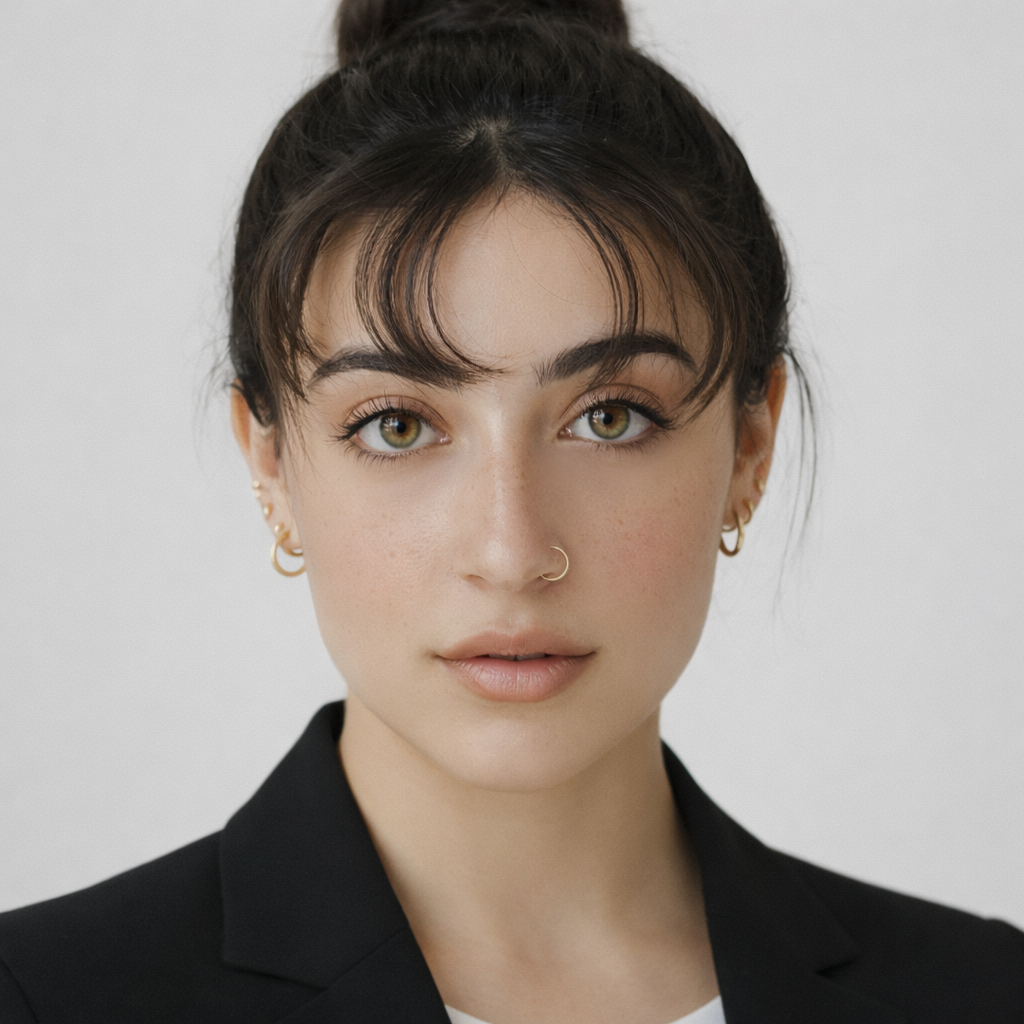
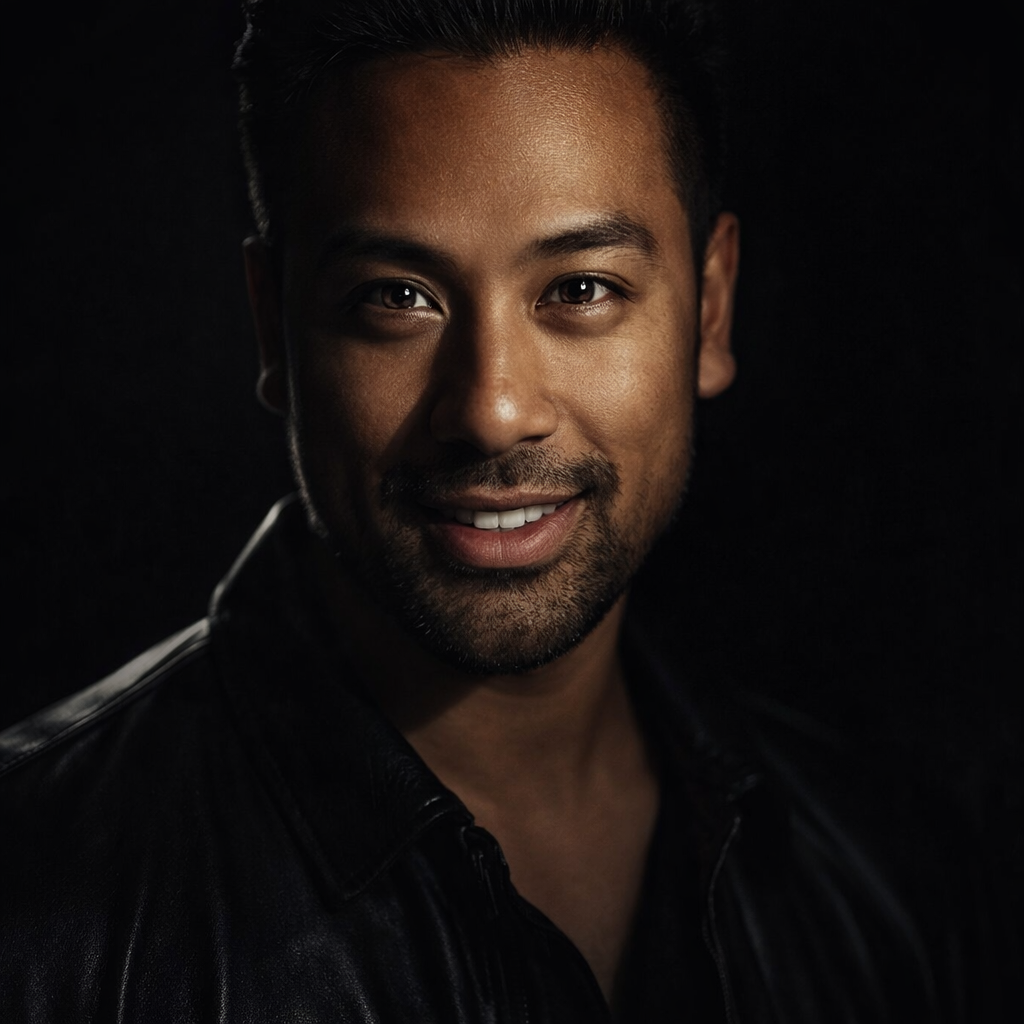
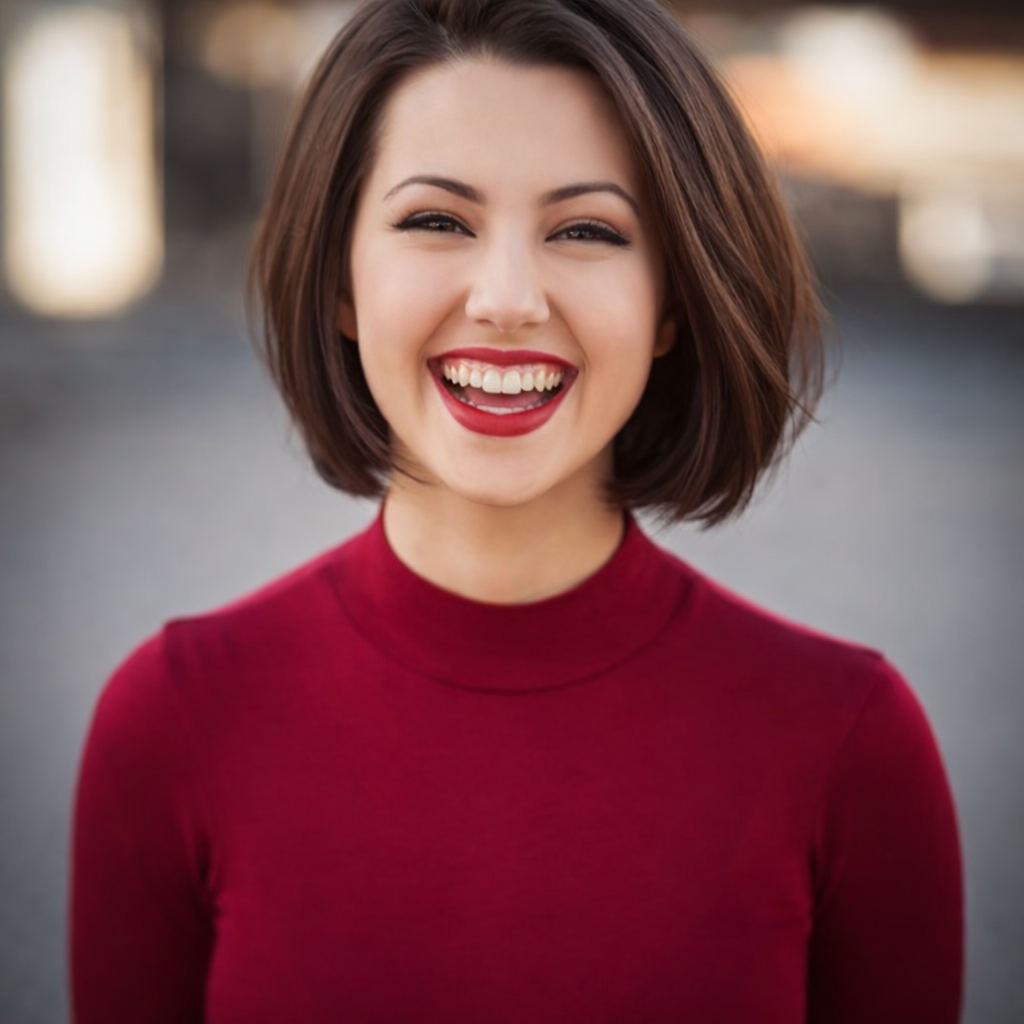
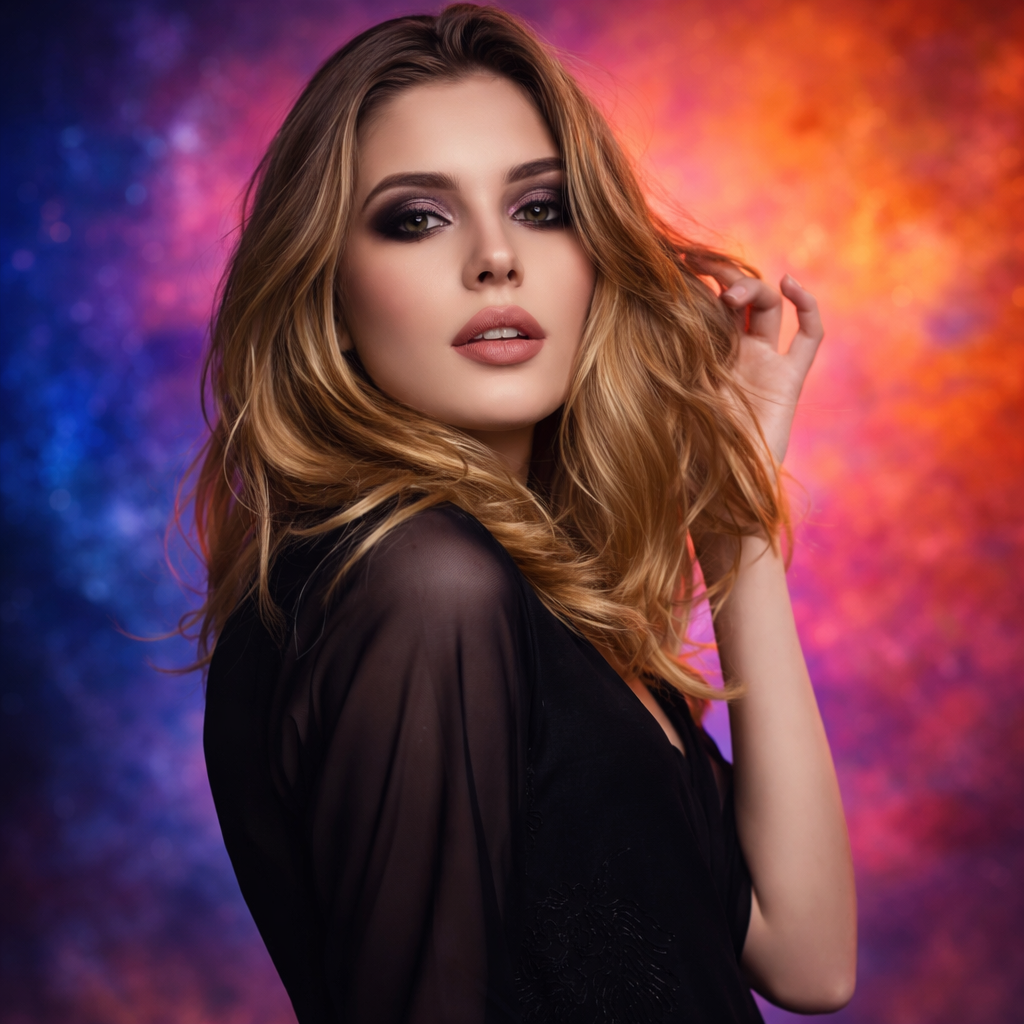
Preview younger, older, teen, middle age, and senior versions of yourself with a fast AI age filter.
Preset route
Choose the public starting point before you open Studio
Or choose a popular preset:
Sample compare
See the promise before you move into execution
 Before
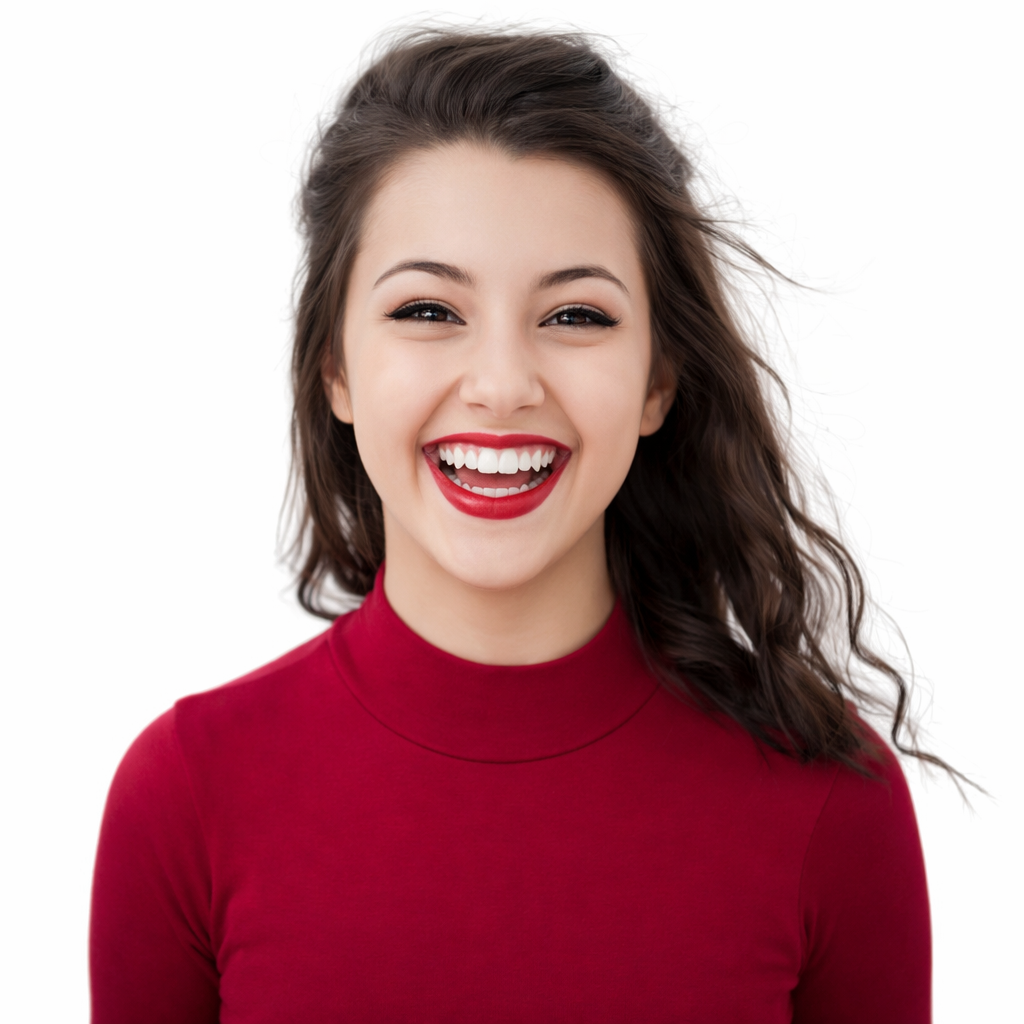 After
AfterSee Yourself Older or Younger in Seconds example result
The public page explains the workflow. `/studio` remains the execution layer.
Sample Results
See what this tool can do with real photos.
BeforeAfterSee Yourself Older or Younger in Seconds example result
User Reviews
Based on 341 reviews
Jason F.
Photographer
"Light blemish removal that keeps pores and texture visible. My retouching clients can't tell it's AI — they think I spent an hour in Capture One."
Karen S.
Beauty Enthusiast
"Tried a smokey eye look before buying the Urban Decay palette. Saved $54 because I realized it didn't suit my face shape."
Ashley W.
Makeup Artist
"I preview the bridal look on the bride's photo before the trial. Cuts trial time from 2 hours to 45 minutes because we already agree on the vision."
What Is AI Age Filter?
An AI age filter transforms your photo to show how you might look at a different age — younger, older, teen, middle-aged, or as a senior — making it one of the most naturally shareable and engaging photo transformations available.
Why Choose This Tool
One of the Most Shareable Transformations
Age transformations consistently generate high engagement on social media. Create and share your before/after aging result in seconds.
Realistic Facial Progression
The AI simulates realistic age-related changes — skin texture, feature softening, and hair changes — for a believable result rather than a cheap filter.
Fun for Any Age Group
Young users want to see themselves older. Older users want to revisit what they looked like younger. The age filter is universally engaging.
What Will You Look Like in 20 Years?
The age filter answers one of the most universal curiosities people have about themselves. It is consistently one of the most shared photo categories online because everyone relates to it. Whether you want to send a senior version to your parents, show a younger version to your kids, or just satisfy your own curiosity — the AI age filter does it instantly.
How It Works
Upload Your Selfie
Upload a clear front-facing photo with your face fully visible.
Choose an Age Direction
Select younger, older, teen, middle age, or senior.
Preview & Share
Review the age transformation and share the result with friends or family.
Who Is This For?
Popular use cases for this tool.
Social Media Fun
Post your age transformation as a fun, shareable piece of content that invites reactions and comments.
Family and Generational Comparisons
Generate an older version of yourself to compare with your parents or grandparents and see the family resemblance.
Retirement Planning Visualization
See a realistic senior version of yourself as a motivational tool for health and lifestyle decisions.
Creative and Storytelling Projects
Use age filters for creative writing projects, character development, or visual storytelling where age context matters.
Frequently Asked Questions
How realistic is the AI age filter?
The AI applies realistic facial changes like texture, wrinkles, feature softening, and hair adjustments — not a cartoon overlay. The result is significantly more realistic than basic Instagram or TikTok age filters.
Can I make myself look both older and younger in the same session?
Yes. You can run the tool multiple times with different age directions and compare results side by side.
What type of photo works best for the age filter?
A clear front-facing selfie with good lighting and a neutral or slight smile expression produces the most realistic age transformation result.
Related Tools
Explore more AI photo tools you might like.