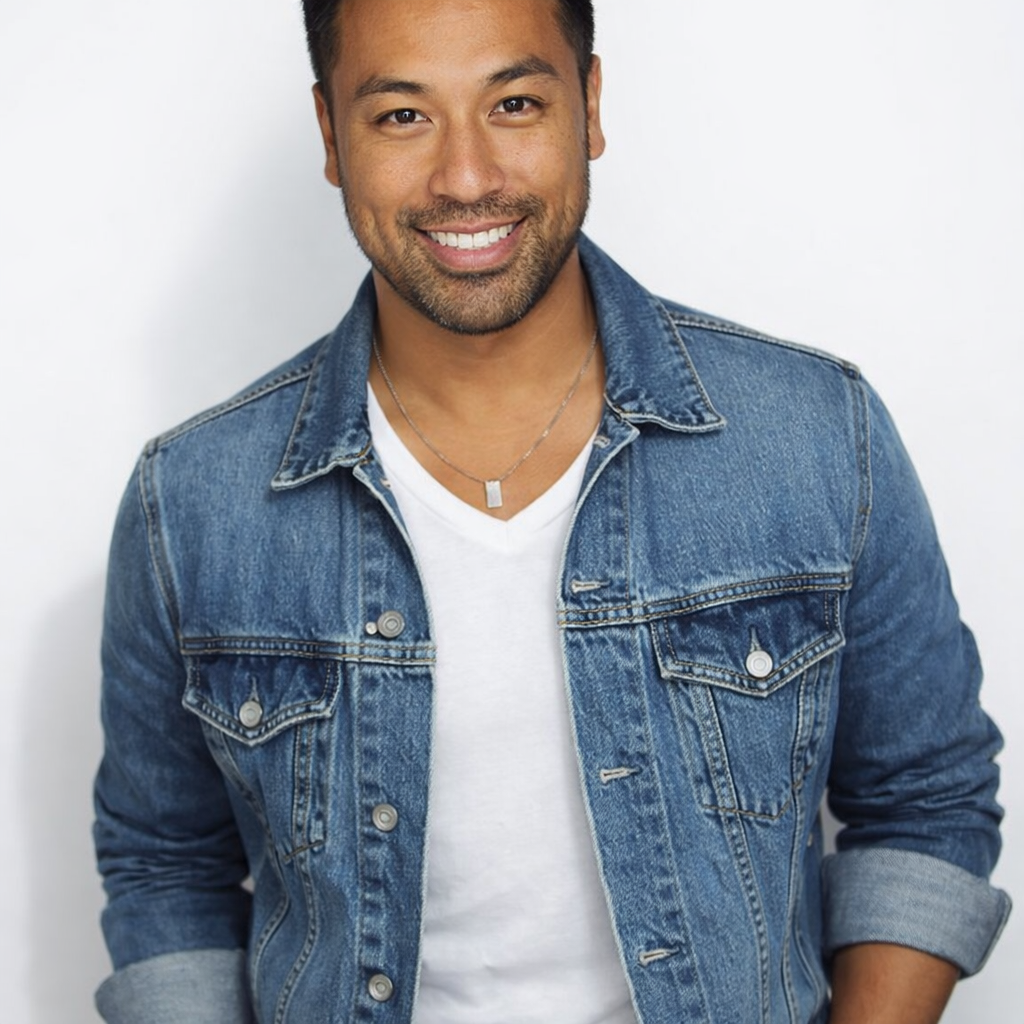
Buzz Cut Filter
See how a buzz cut, crew cut, high fade, military cut, or skin fade looks on your face before committing to the clippers.
Preset route
Choose the public starting point before you open Studio
Or choose a popular preset:
Sample compare
See the promise before you move into execution
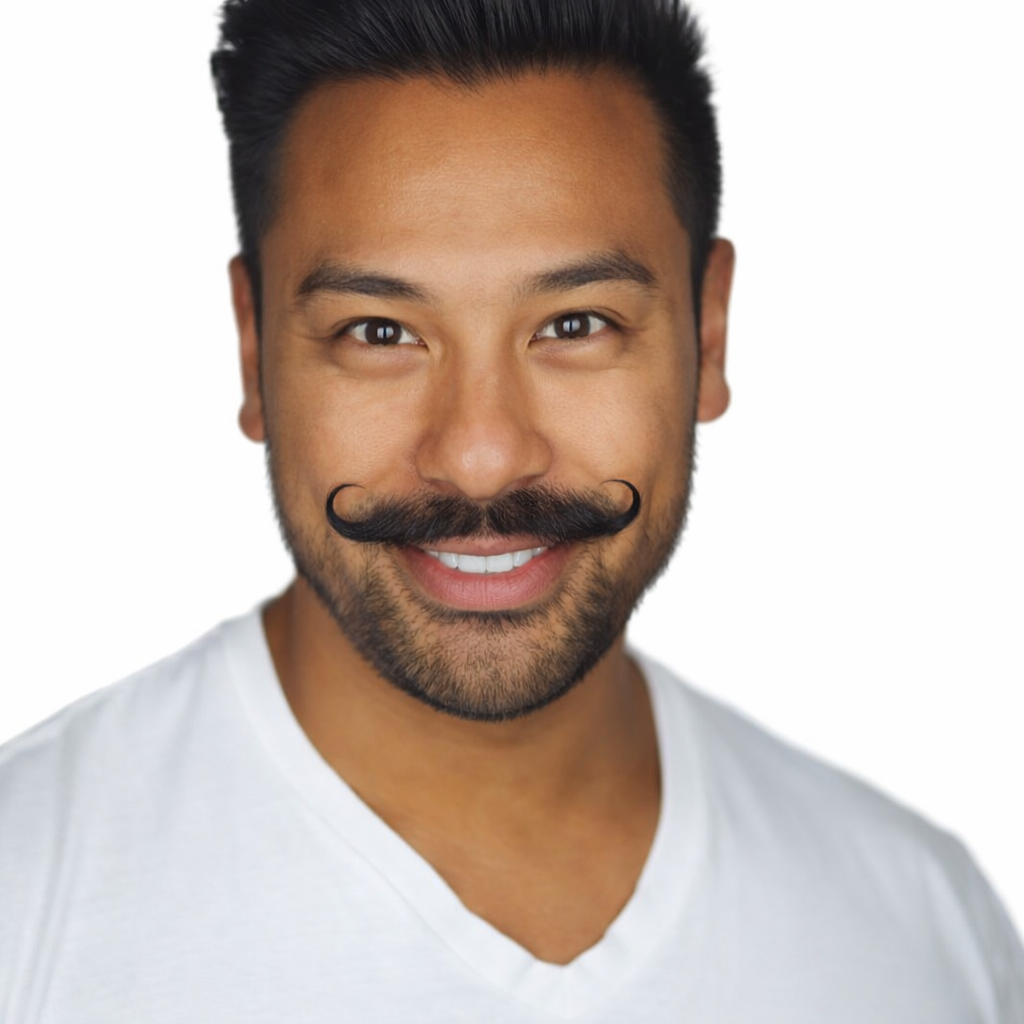
 Before
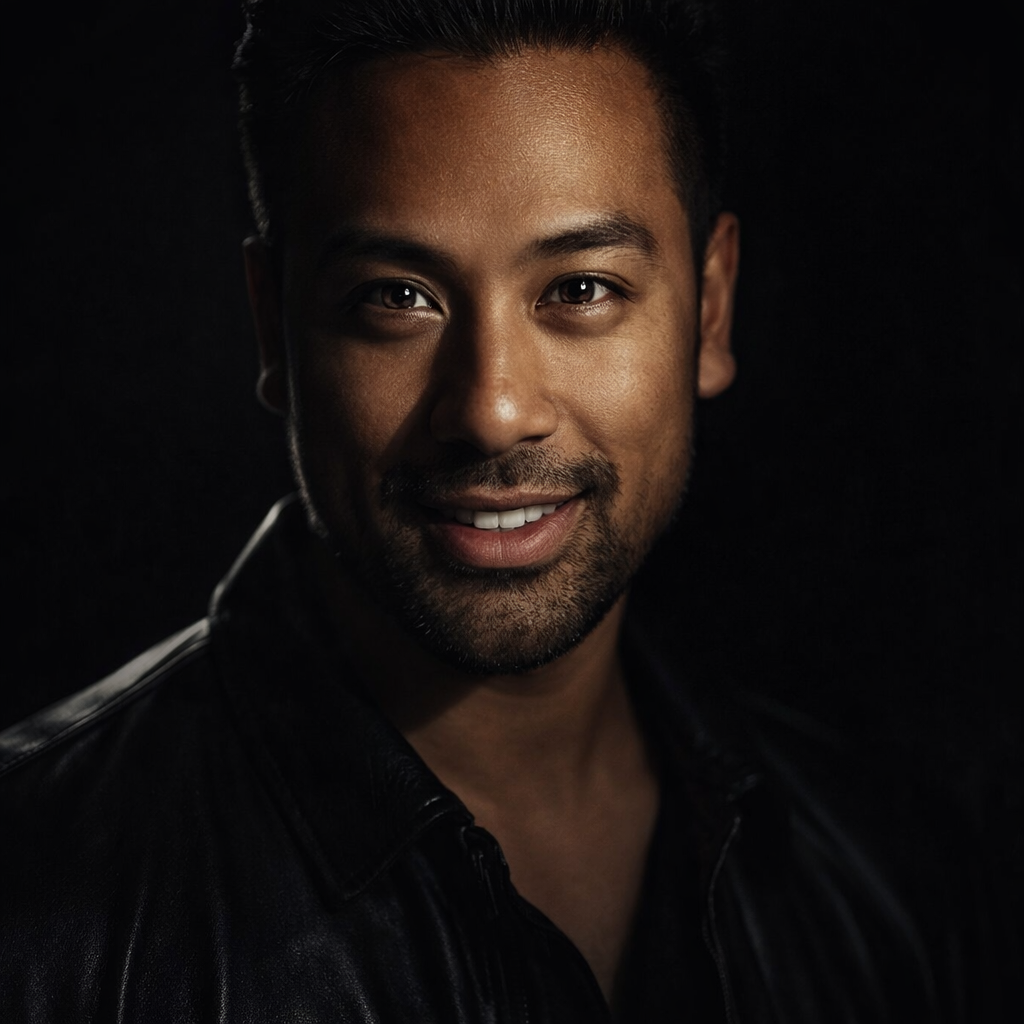
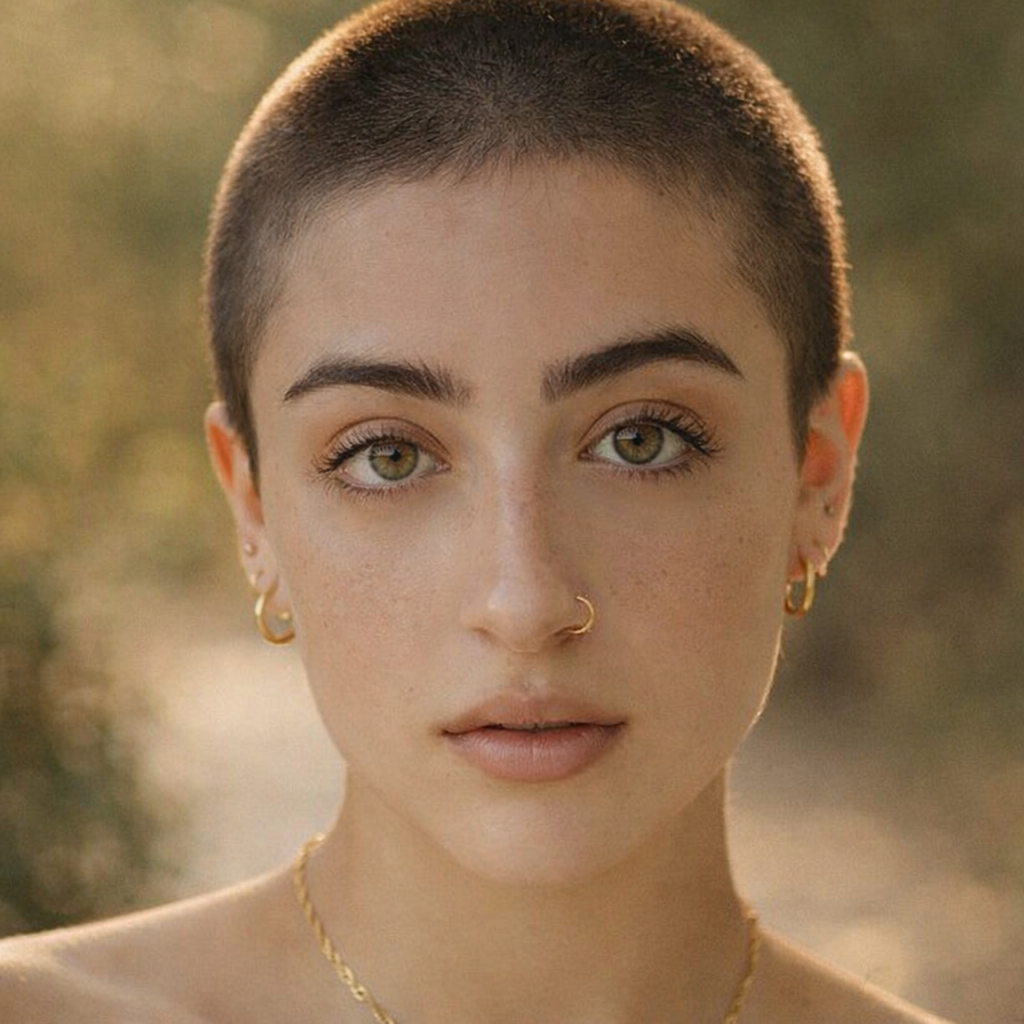 After
AfterPreview a Buzz Cut Before You Shave example result
The public page explains the workflow. `/studio` remains the execution layer.
Sample Results
See what this tool can do with real photos.
BeforeAfterPreview a Buzz Cut Before You Shave example result
User Reviews
Based on 828 reviews
Hannah M.
Wedding Planner
"Brides try 5-6 updo options on their actual face before the trial appointment. Cuts the trial time from 3 hours to 1."
Ryan J.
College Student
"Convinced myself to get the undercut after seeing the preview. The AI version looked close enough to the real thing that I trusted it."
Maria A.
Beauty Blogger
"Screenshotted 10 different bob variations and brought them to my stylist. She said it was the clearest reference a client ever gave her."
What Is Buzz Cut Filter?
A buzz cut filter lets you upload a selfie and preview how a buzzed or closely shaved hairstyle looks on your face shape — before you make a drastic cut you can't easily undo.
Why Choose This Tool
Avoid a Drastic Regret
A buzz cut is one of the hardest haircuts to grow back from quickly. Seeing the result first means you decide calmly, not impulsively.
Check How Your Face Shape Handles It
Buzz cuts expose your head shape entirely. Preview helps you understand how your face and skull proportions look with minimal hair.
Compare Fade Variations
Not all buzz cuts look the same. A high fade and a skin fade create very different effects — compare them side by side before deciding.
Thinking About Going Short? See It First.
A buzz cut is one of the boldest hair changes you can make — and once it's done, you're committed for months. Some face shapes look incredible with a buzz cut. Others need more length for balance. Instead of relying on someone else's photo or a gut feeling, use the buzz cut filter to see exactly how it looks on your face before the clippers come out.
How It Works
Upload Your Photo
Upload a clear front-facing selfie with good lighting.
Select a Cut Style
Choose from buzz cut, crew cut, high fade, military, or skin fade.
Review & Save
Preview the result, compare options, and save the look you like.
Who Is This For?
Popular use cases for this tool.
Before a Major Style Change
Test the buzz cut look before committing to a cut that takes months to grow back.
Military or Job Requirement
Preview a regulation military cut or clean fade before a job starts requiring short hair.
Hot Weather Decision
Considering going short for summer? See the result before making a seasonal chop.
Pairing with Beard or Glasses
Preview how a buzz cut pairs with your existing beard or frames to plan your full look.
Frequently Asked Questions
Will the buzz cut filter show how my head shape looks?
Yes. The AI generates a realistic preview that reflects your actual face shape, so you can see how a shaved look works with your specific proportions.
Can I preview a fade without going fully shaved?
Yes. The high fade and skin fade presets show tapered sides with more length on top, so you can see options that are shorter but not fully buzzed.
What photo should I use for the best result?
A clear front-facing selfie with even lighting and no hat works best. The AI needs a good view of your full face and hairline.
Related Tools
Explore more AI photo tools you might like.