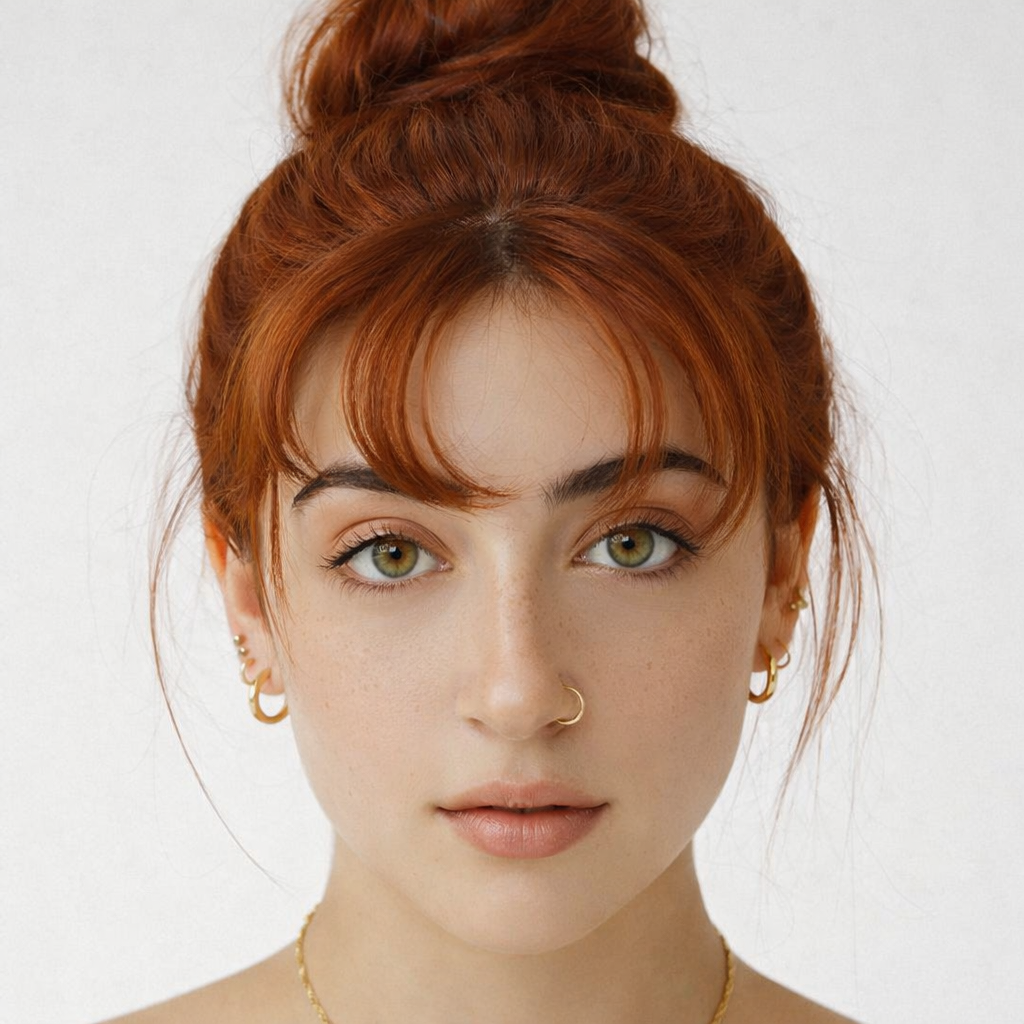
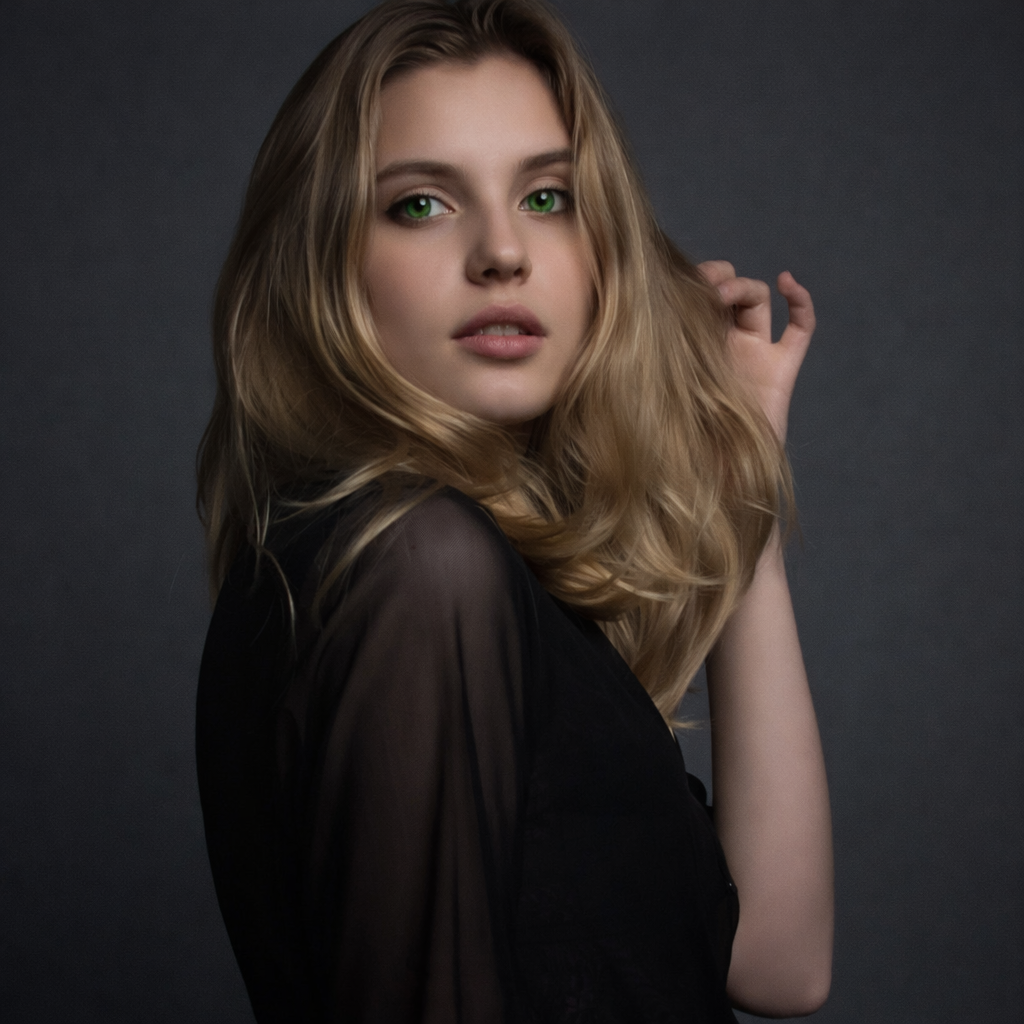
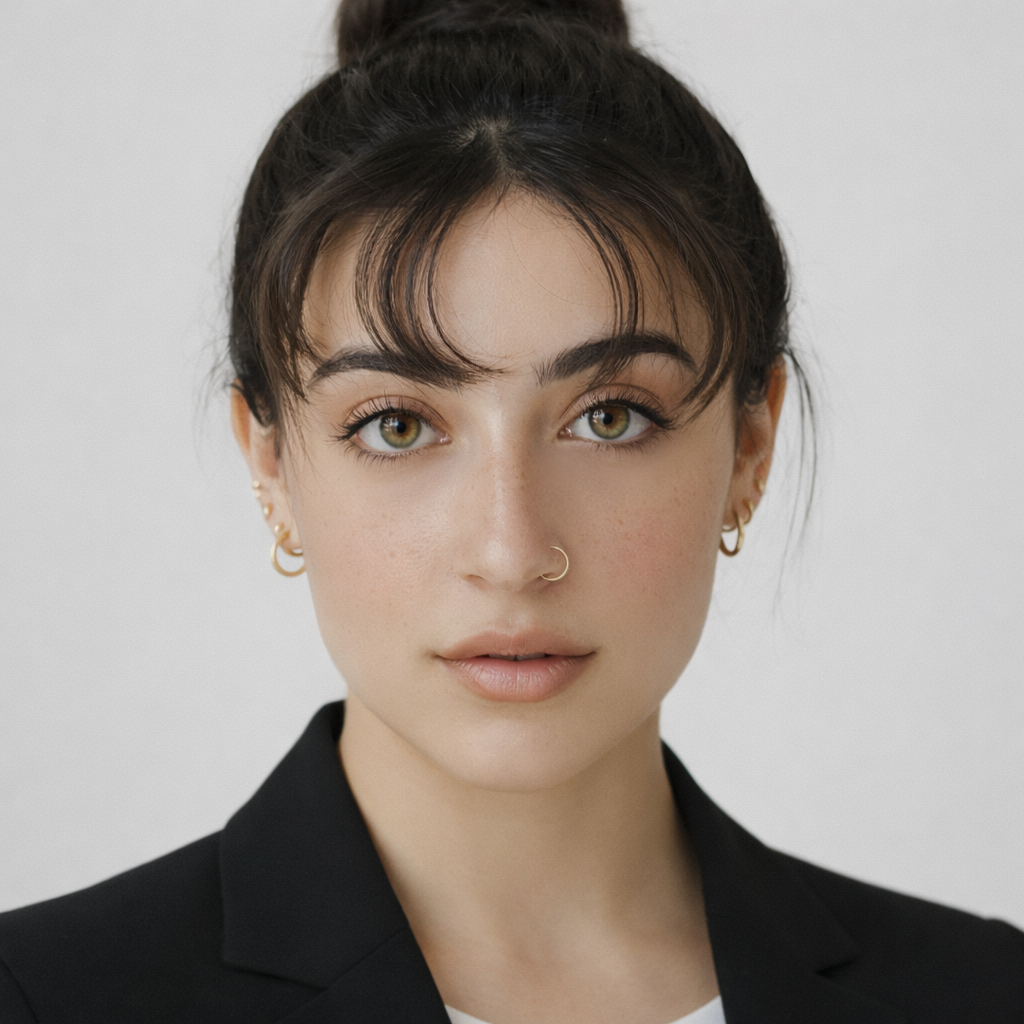
Red Hair Filter
Try copper, auburn, burgundy, cherry red, and ginger shades on your own photo before dyeing.
Preset route
Choose the public starting point before you open Studio
Or choose a popular preset:
Sample compare
See the promise before you move into execution
 Before
 After
AfterPreview Copper, Auburn, and Red Hair on Your Photo example result
The public page explains the workflow. `/studio` remains the execution layer.
Sample Results
See what this tool can do with real photos.
BeforeAfterPreview Copper, Auburn, and Red Hair on Your Photo example result
User Reviews
Based on 662 reviews
Julia P.
Beauty Influencer
"Posted a reel of myself in 8 different hair colors. Got 2M views because people thought I actually dyed my hair each time."
Amber K.
Hairstylist
"A client wanted "strawberry blonde" but her definition and mine were totally different. This tool got us on the same page in seconds."
Tyler R.
Marketing Manager
"My wife wanted to go platinum but was nervous. Showed her the preview on her own photo and she booked the appointment that day."
What Is Red Hair Filter?
A red hair filter lets you preview warm and bold red hair tones — from earthy auburn and ginger to vivid cherry red — on your own selfie, so you can see whether the color complements your skin and eye color before making a dramatic change.
Why Choose This Tool
Red Can Go Wrong — Preview First
Red hair reacts strongly with skin tone. Warm copper flatters some complexions, while cool burgundy suits others. Preview before you commit.
Find Your Intensity Level
From subtle auburn and ginger to bold cherry red and burgundy — see the full intensity range and decide how dramatic your change should be.
Generate Engaging Transformation Content
Red hair transformations are among the most-shared hair color content online. Create and share your preview instantly.
Red Hair Is Bold. Don't Guess If It Works for You.
Red hair is one of the most polarizing color choices — it can look stunning or deeply unflattering depending on your skin tone and natural coloring. And red dye is notoriously difficult to remove. The red hair filter shows each shade on your actual photo so you can see whether copper, auburn, or cherry red is the right level of bold before you sit in the color chair.
How It Works
Upload Your Selfie
Upload a clear front-facing photo with your hair visible.
Pick a Red Shade
Choose from copper, auburn, burgundy, cherry red, or ginger.
Preview & Decide
Compare your red options and save or share the best result.
Who Is This For?
Popular use cases for this tool.
Pre-Coloring Shade Selection
Decide between copper, auburn, or cherry red before booking your color appointment.
Fall and Winter Color Planning
Explore warm auburn and burgundy tones as a seasonal color change heading into autumn.
Skin Tone Compatibility Check
See which red tone works with your undertones — warm copper for warm skin, cool burgundy for cool skin.
Viral Transformation Post
Red hair transformations generate high engagement. Share your preview and get real reactions before committing.
Frequently Asked Questions
Is red hair hard to maintain?
Red dye fades faster than other hair colors because red molecules are larger and wash out more quickly. Previewing the shade first helps you decide if the maintenance commitment is worth it.
What is the difference between auburn and copper?
Auburn is a rich, dark red-brown tone with less orange. Copper is a brighter, warmer red-orange shade. Both are flattering but suit different complexions.
Can I preview red hair on naturally dark hair?
Yes. The filter shows how each red shade would appear on your photo regardless of your current hair color, giving you a realistic transformation preview.
Related Tools
Explore more AI photo tools you might like.