AI Hair Color Changer
Test blonde, brown, copper, black, or creative shades on your own photo and see which tones actually fit your skin and style.
Preset route
Choose the public starting point before you open Studio
Or choose a popular preset:
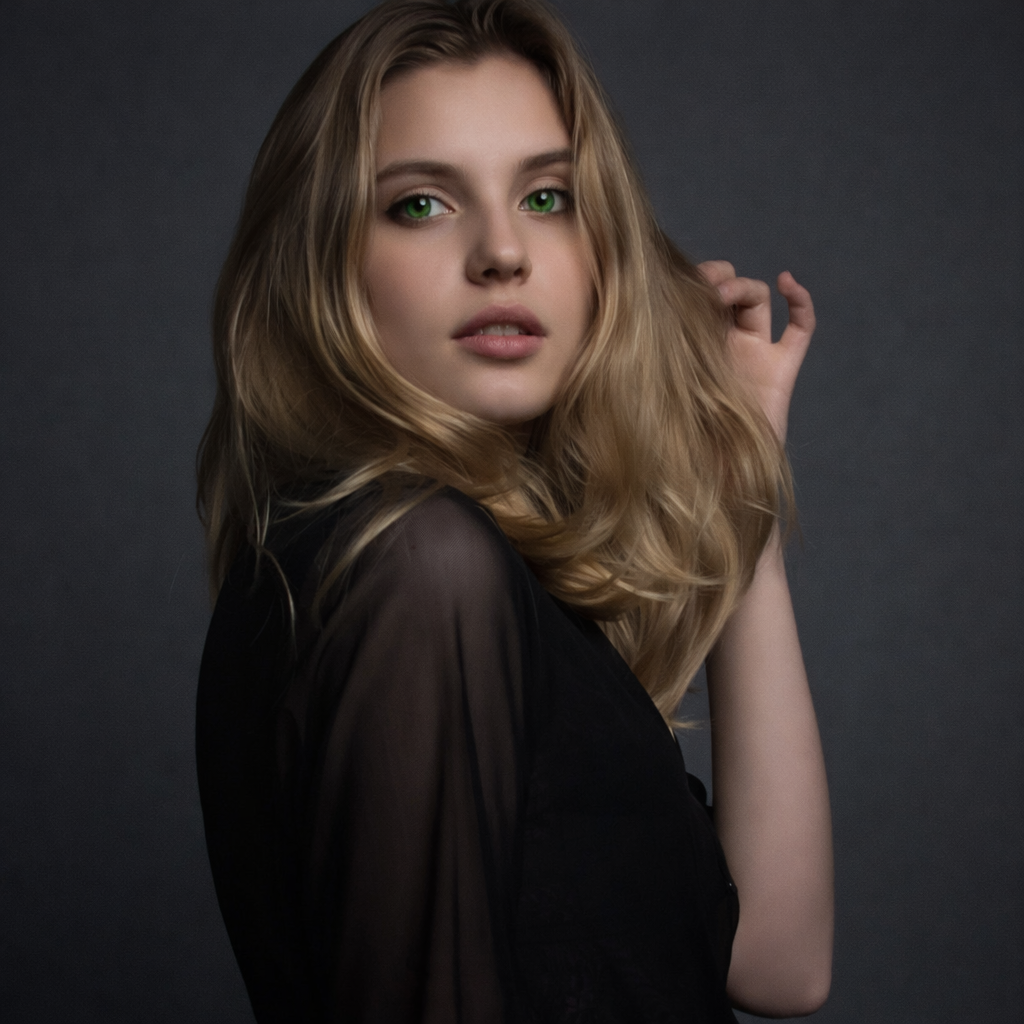
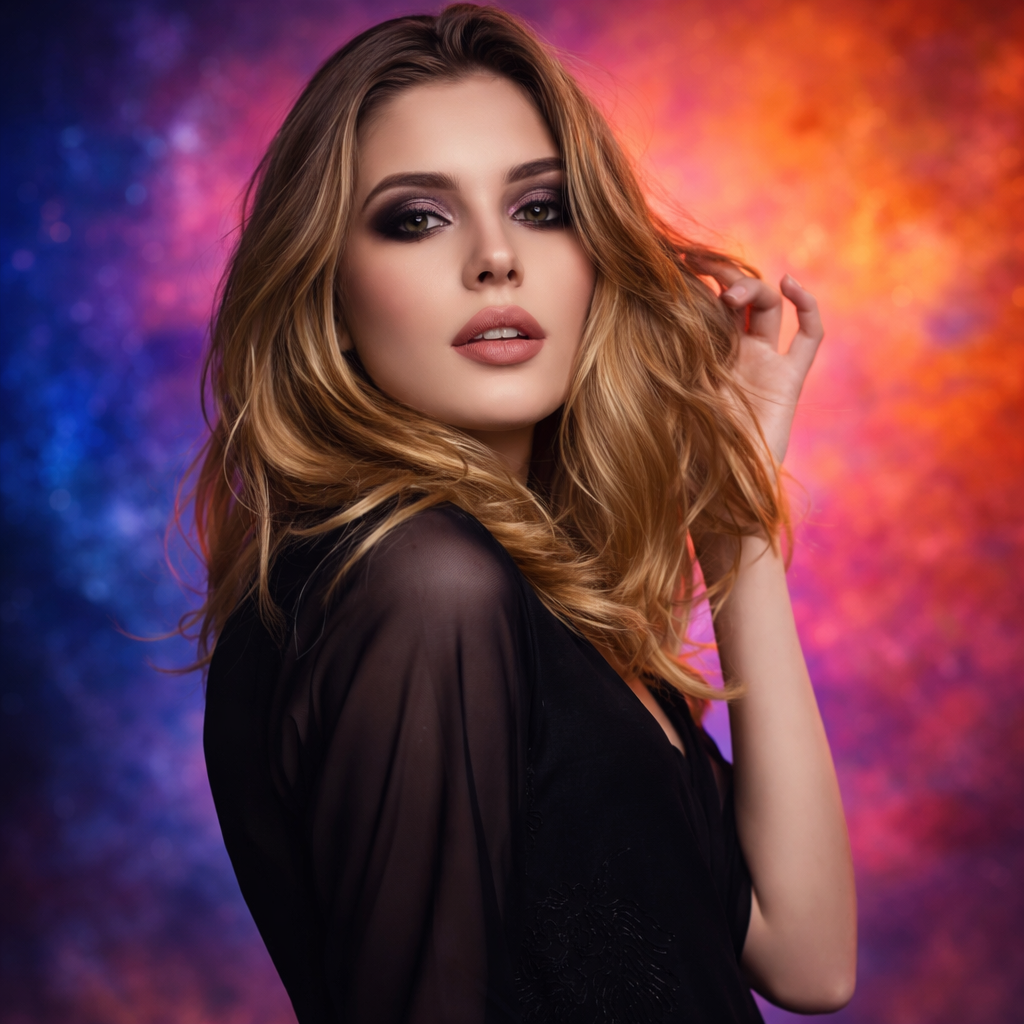
Sample compare
See the promise before you move into execution
 Before
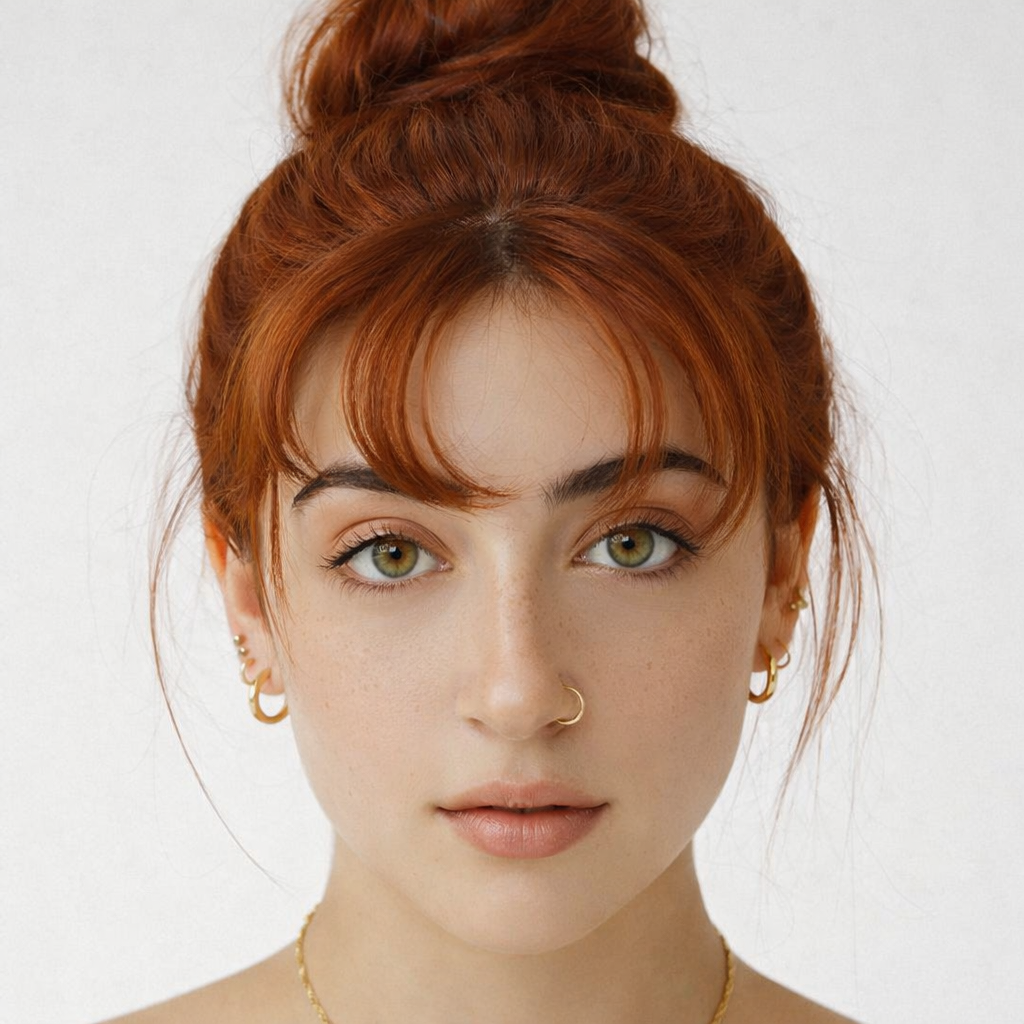 After
AfterPreview Hair Colors Before You Dye example result
The public page explains the workflow. `/studio` remains the execution layer.
Sample Results
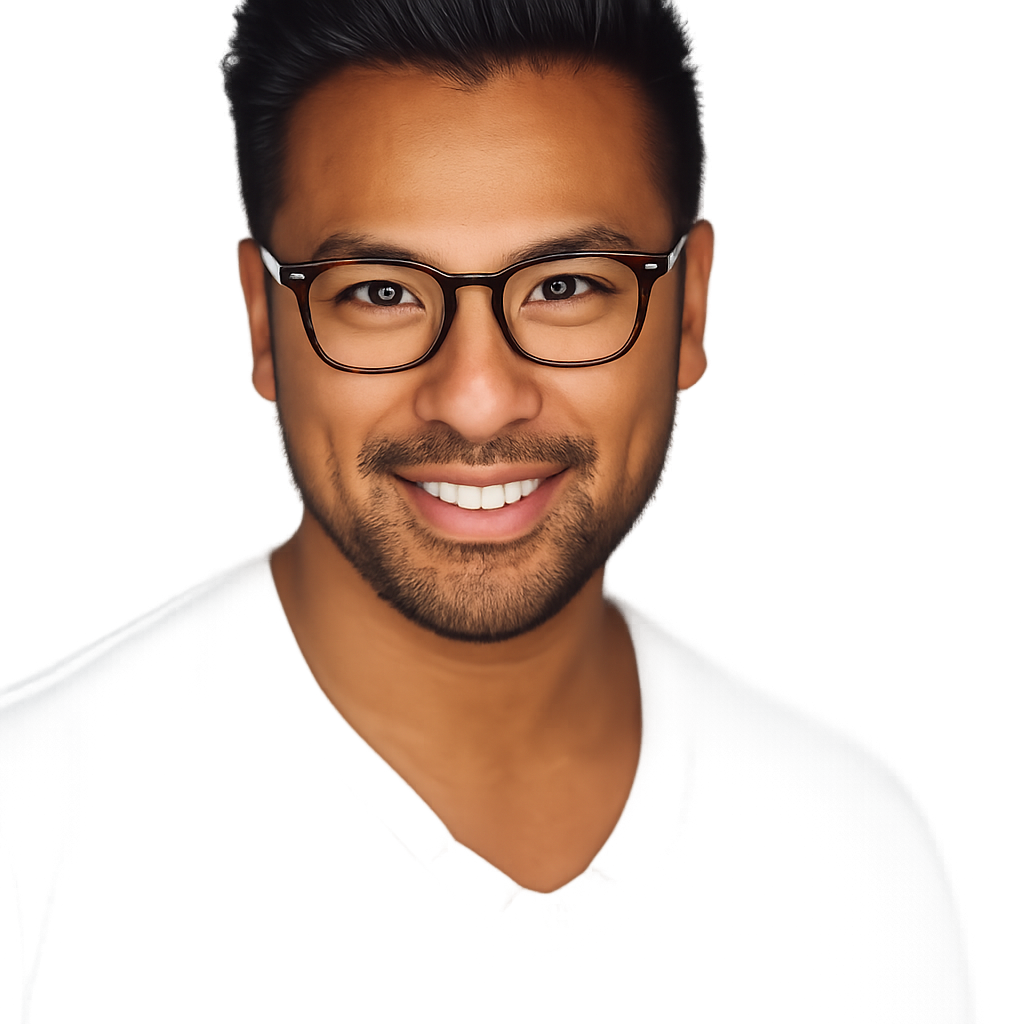
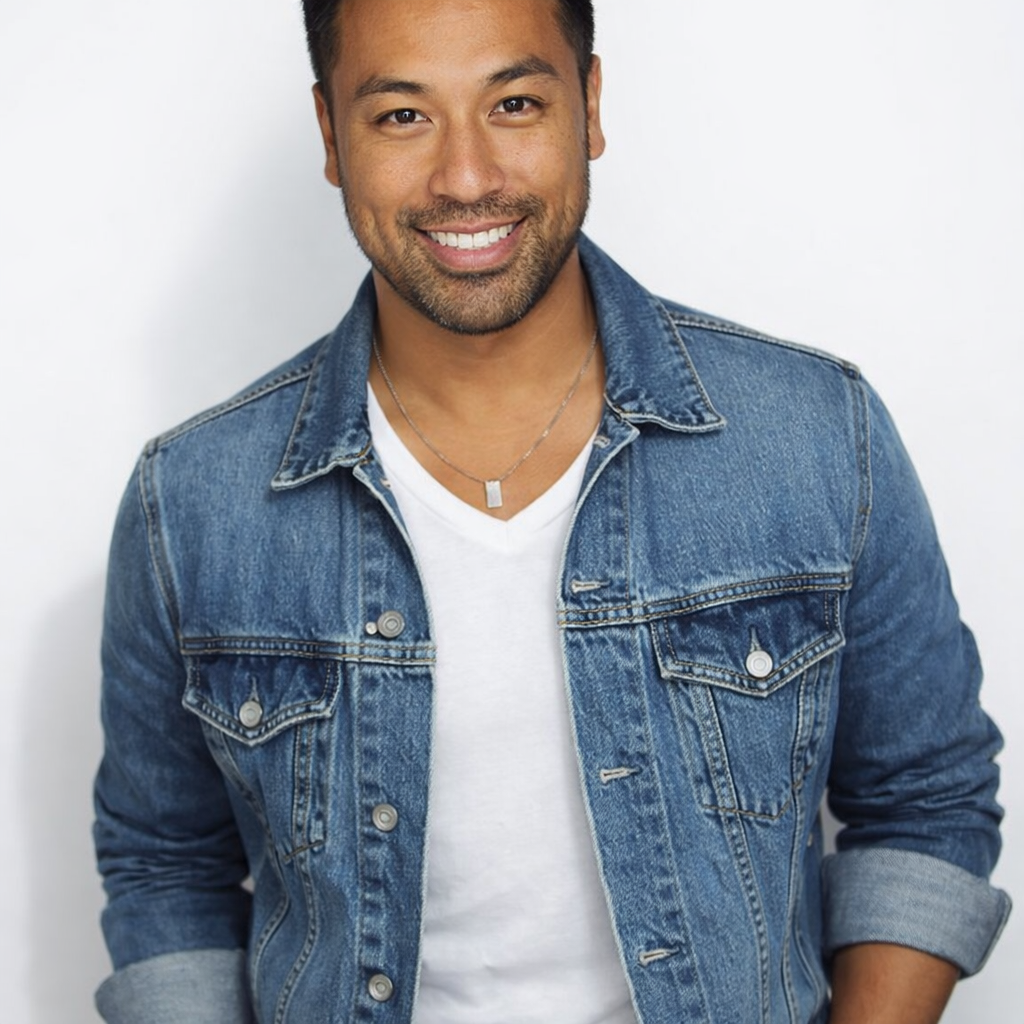
See what this tool can do with real photos.
BeforeAfterPreview Hair Colors Before You Dye example result
User Reviews
Based on 2,565 reviews
Diana L.
Photographer
"Used it to plan wardrobe-to-hair combos for a shoot. The copper preview matched the final dye job almost perfectly."
Tyler R.
Marketing Manager
"My wife wanted to go platinum but was nervous. Showed her the preview on her own photo and she booked the appointment that day."
Amber K.
Hairstylist
"A client wanted "strawberry blonde" but her definition and mine were totally different. This tool got us on the same page in seconds."
What Is AI Hair Color Changer?
An AI hair color changer lets you upload a selfie and instantly preview different hair dye colors — from natural shades like blonde and brown to creative tones like pastel pink and violet — so you can make confident coloring decisions before visiting a salon.
Why Choose This Tool
Turn Imagination into Preview
See exactly how a new hair color looks on your skin tone before committing to an expensive dye job.
Better Than Generic Color Charts
A dedicated color page gives you more precise, SEO-targeted results than a generic photo editor.
Discover Related Looks
Easily explore hairstyle changes, makeup, eye color, and more to see your full transformation.
Worried About a Color That Doesn't Suit You?
Hair dye is expensive and hard to reverse. Most people pick a color from a swatch book that looks nothing like the final result on their hair. An AI hair color changer lets you test any shade on your actual photo — so you know what you're getting before you commit.
How It Works
Upload Your Photo
Upload your current photo.
Pick a Color
Pick a color preset or write a custom color request.
Generate & Save
Generate your preview and save the best version.
Who Is This For?
Popular use cases for this tool.
Pre-Salon Color Check
Show your stylist an AI preview to align on tone and shade before booking color work.
Fantasy Color Exploration
Try creative colors like pastel pink, violet, or burgundy without any commitment.
Skin Tone Matching
See how warm vs. cool tones work with your complexion before making a decision.
Social Content Creation
Generate shareable before/after color transformations for social media posts.
Frequently Asked Questions
Can I try natural and fantasy colors?
Yes. You can try both natural shades like blonde and brown, plus creative colors like violet or pink.
Will this work on dark hair?
Yes, but the preview is most useful for direction-setting. You should still expect real-world dye results to vary by hair condition.
Can I use this before a salon visit?
That is exactly the use case. You can show the preview to your stylist and align on tone before booking color work.
Related Tools
Explore more AI photo tools you might like.