Blonde Hair Filter
Try platinum, golden, ash, honey, and beige blonde shades instantly with realistic AI previews on your own photo.
Preset route
Choose the public starting point before you open Studio
Or choose a popular preset:
Sample compare
See the promise before you move into execution
 Before
 After
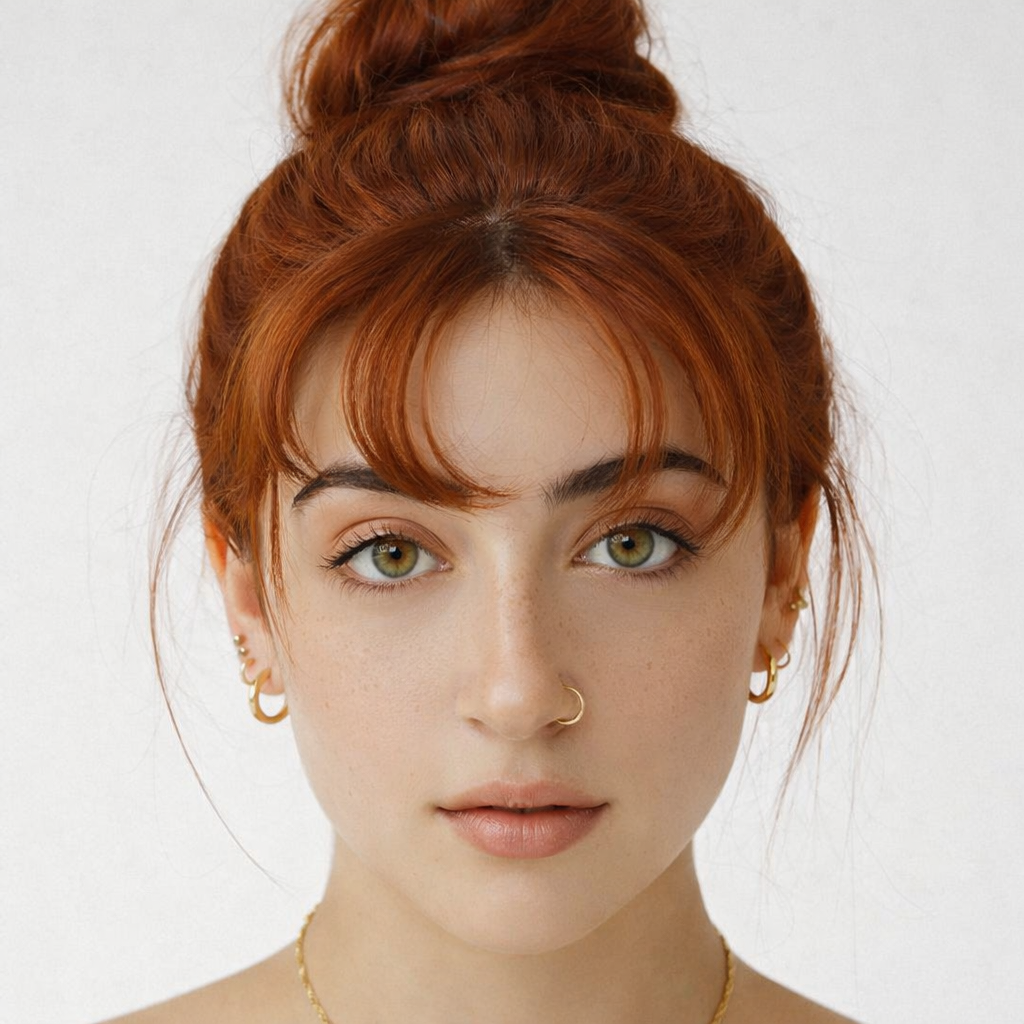
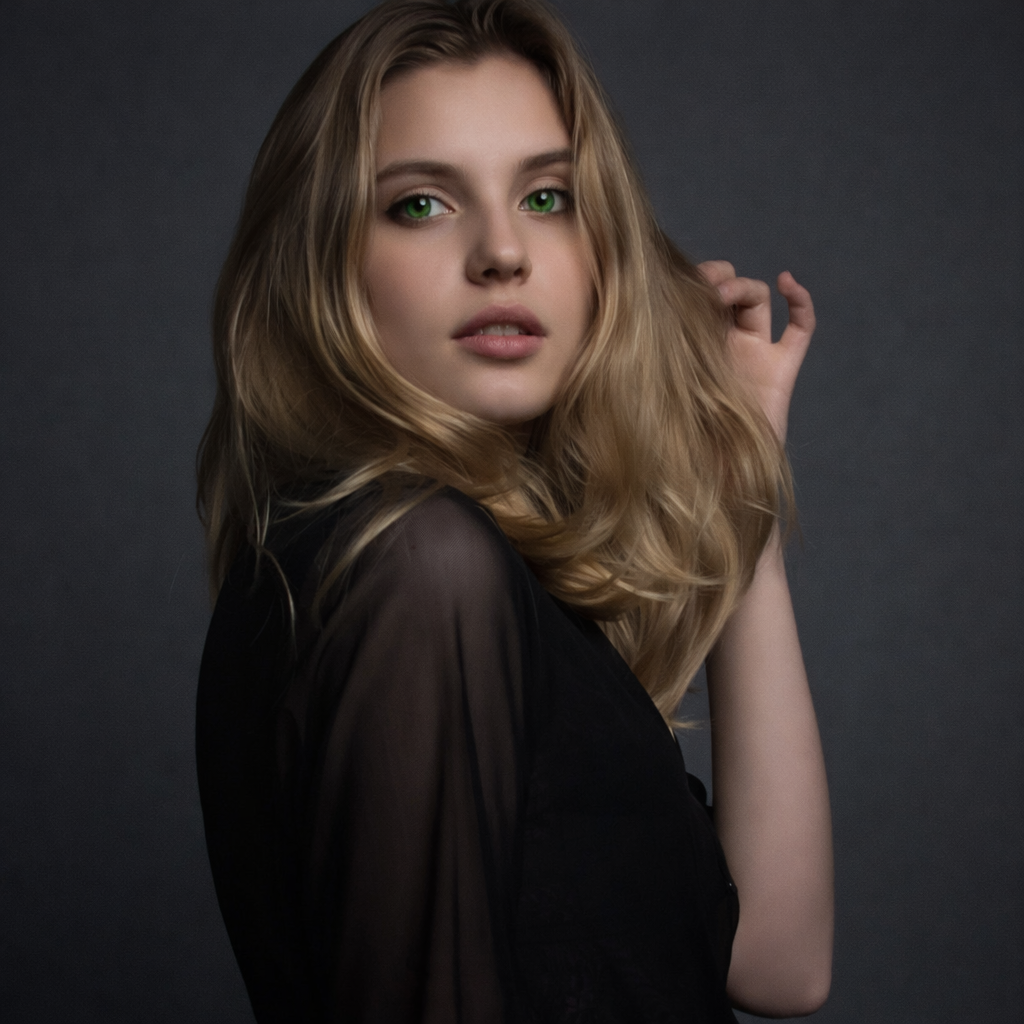
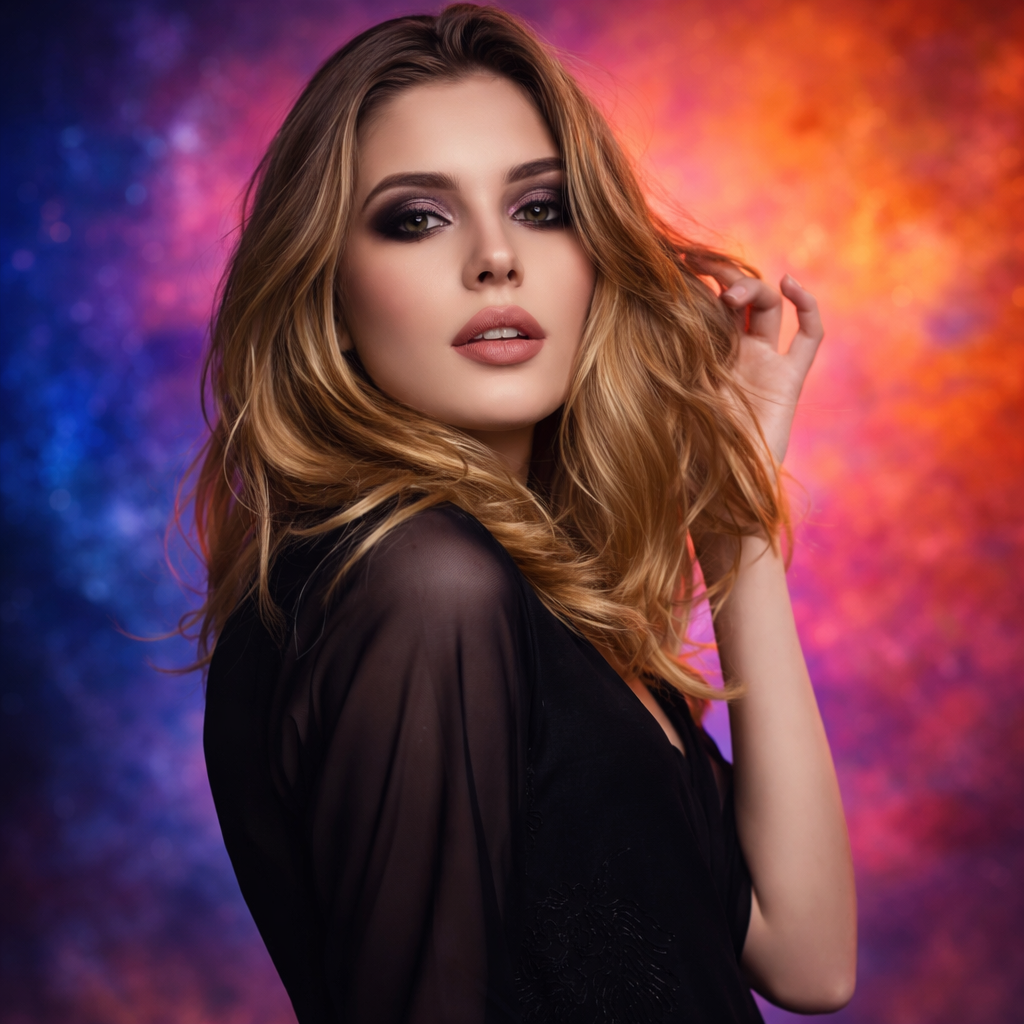
AfterSee How Blonde Hair Looks on You — Before You Bleach example result
The public page explains the workflow. `/studio` remains the execution layer.
Sample Results
See what this tool can do with real photos.
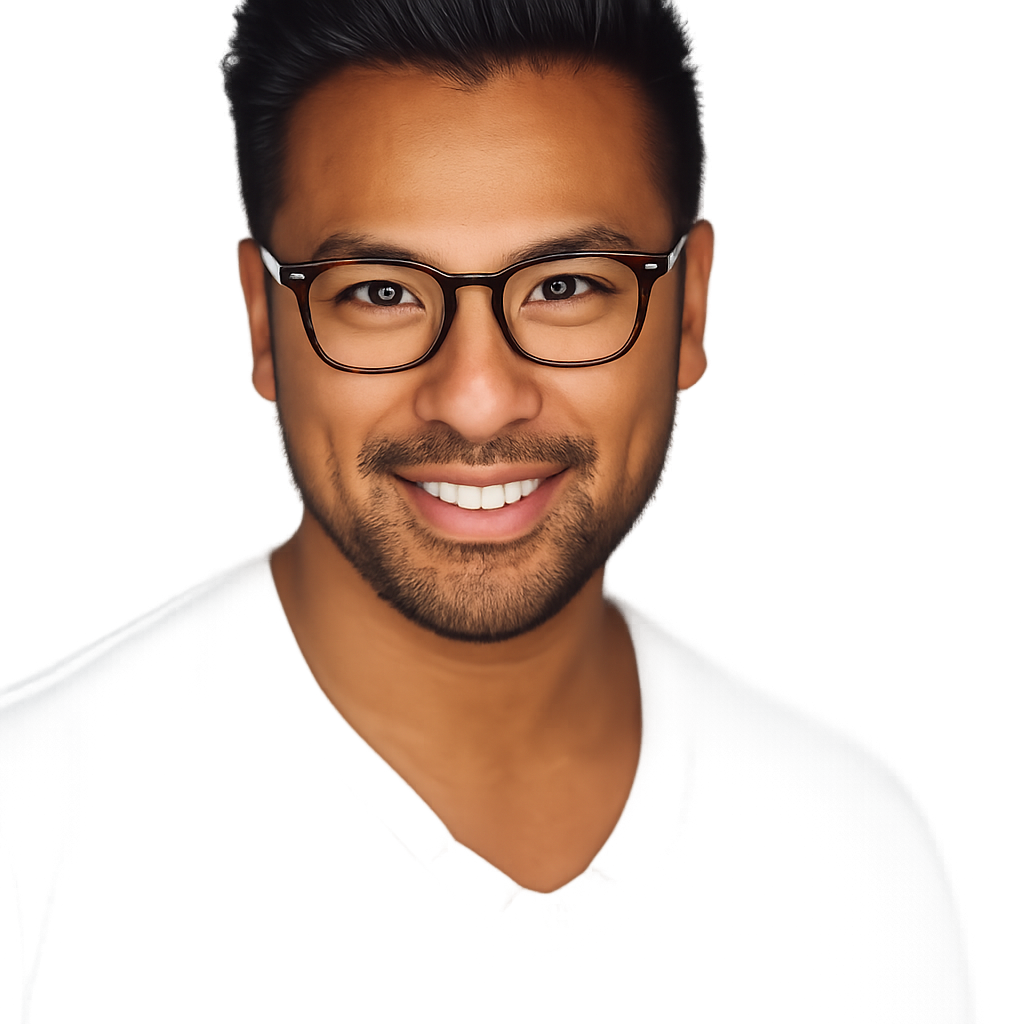
BeforeAfterSee How Blonde Hair Looks on You — Before You Bleach example result
User Reviews
Based on 624 reviews
Tyler R.
Marketing Manager
"My wife wanted to go platinum but was nervous. Showed her the preview on her own photo and she booked the appointment that day."
Diana L.
Photographer
"Used it to plan wardrobe-to-hair combos for a shoot. The copper preview matched the final dye job almost perfectly."
Amber K.
Hairstylist
"A client wanted "strawberry blonde" but her definition and mine were totally different. This tool got us on the same page in seconds."
What Is Blonde Hair Filter?
A blonde hair filter lets you preview different shades of blonde — from warm golden tones to cool platinum — on your own photo before bleaching or coloring your hair, so you can see which blonde actually suits your skin tone.
Why Choose This Tool
Find Your Blonde Before You Commit
Platinum, honey, and ash blonde look very different on warm versus cool skin tones. Preview each shade on your face before a costly bleach appointment.
Understand the Tone Difference
Warm blondes like golden and honey feel very different from cool blondes like ash and platinum. See both sides instantly.
Show Your Colorist Exactly What You Want
Download the preview that looks best and show it to your colorist to avoid miscommunication about tone, shade, and level.
Going Blonde is a Big Commitment — And Hard to Reverse
Bleaching is one of the most damaging chemical processes for hair, and it takes multiple sessions and a lot of maintenance. Making a wrong shade choice means months of correction. The blonde hair filter lets you test platinum, golden, honey, and ash tones on your actual photo so you know exactly which shade works for your complexion before you sit in the chair.
How It Works
Upload Your Selfie
Upload a clear front-facing photo with your hair visible.
Pick a Blonde Shade
Choose from platinum, golden, ash, honey, or beige blonde.
Compare & Decide
Compare shades side by side and save the result to share with your colorist.
Who Is This For?
Popular use cases for this tool.
Pre-Bleach Shade Decision
Confirm which blonde shade fits your skin tone before booking a bleach appointment.
Summer Hair Color Planning
Preview a sun-kissed honey or golden blonde ahead of a summer transformation.
Tone Comparison
Compare warm blondes like golden against cool blondes like ash to understand what works best with your natural coloring.
Social Share and Fun Try-On
Generate a shareable blonde transformation post to see how your network reacts before committing.
Frequently Asked Questions
Does the blonde hair filter work on very dark or black hair?
Yes. The filter shows a preview of the blonde shade applied to your hair regardless of your natural color, giving you a realistic idea of the transformation goal.
What is the difference between ash blonde and platinum blonde?
Ash blonde has cool, slightly gray-toned undertones and works well on cooler skin tones. Platinum blonde is the lightest level of blonde — almost white — and creates a very striking, high-contrast look.
Can I use the preview to show my colorist?
Yes. That is one of the most practical uses — download the shade preview and bring it to your appointment to align on the exact tone before work begins.
Related Tools
Explore more AI photo tools you might like.