AI Background Remover
Perfect for creating clean e-commerce product listings, professional profile pictures, and dynamic marketing graphics. Get a transparent PNG in seconds without manual editing.
Preset route
Choose the public starting point before you open Studio
Or choose a popular preset:
Sample compare
See the promise before you move into execution
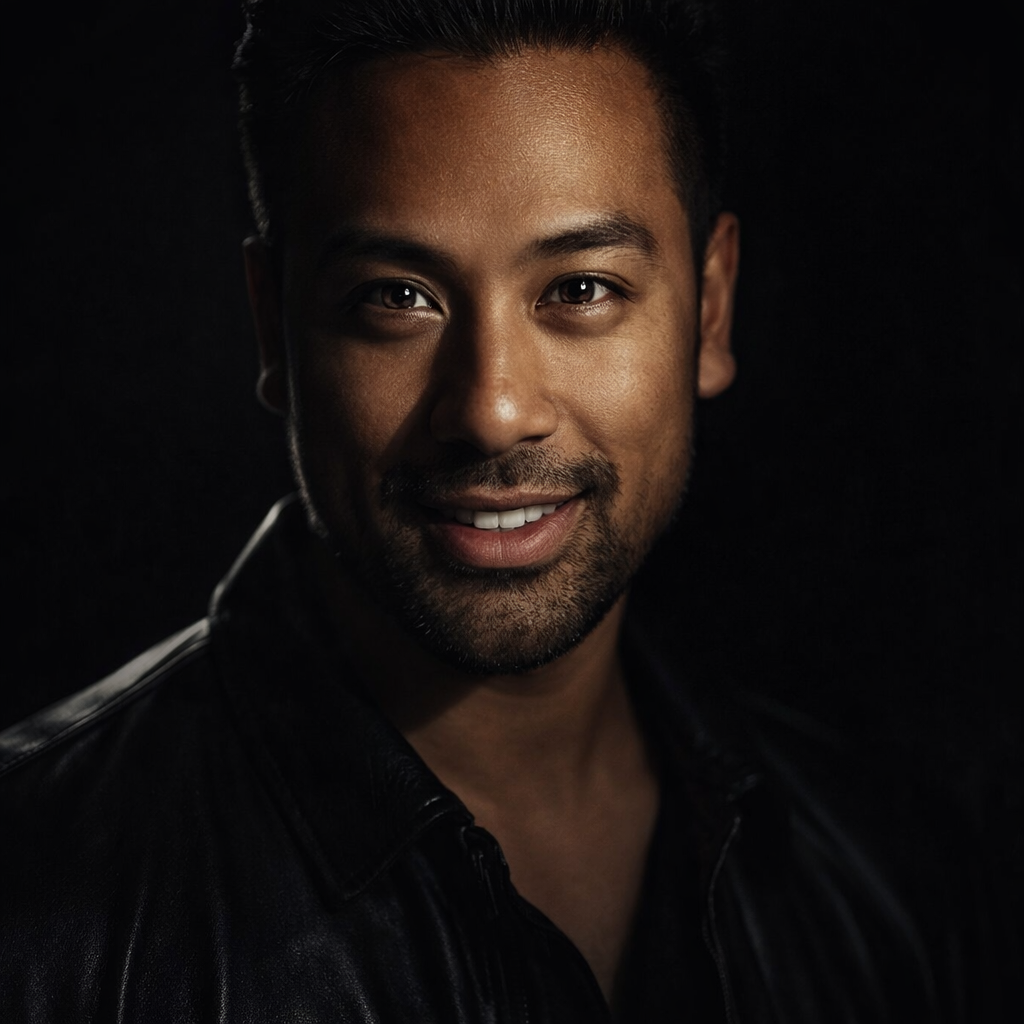
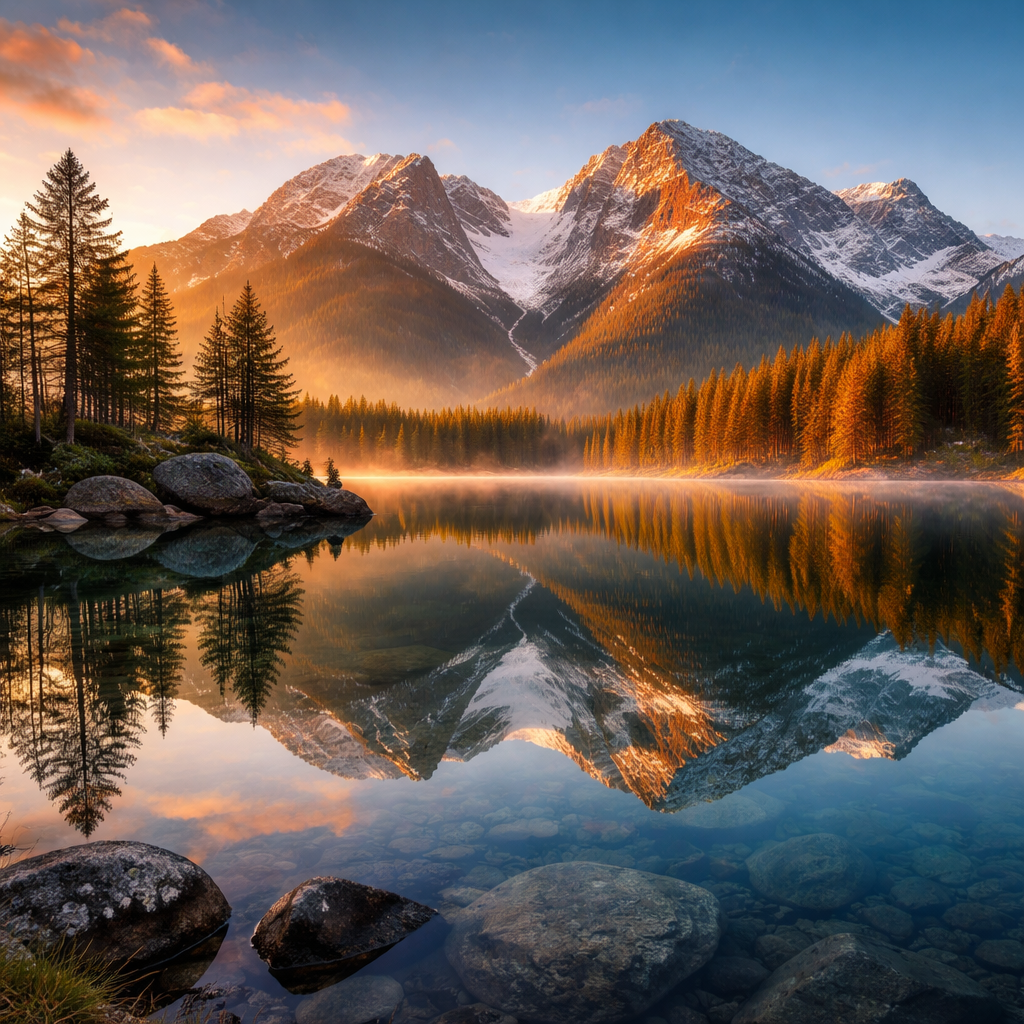
 Before
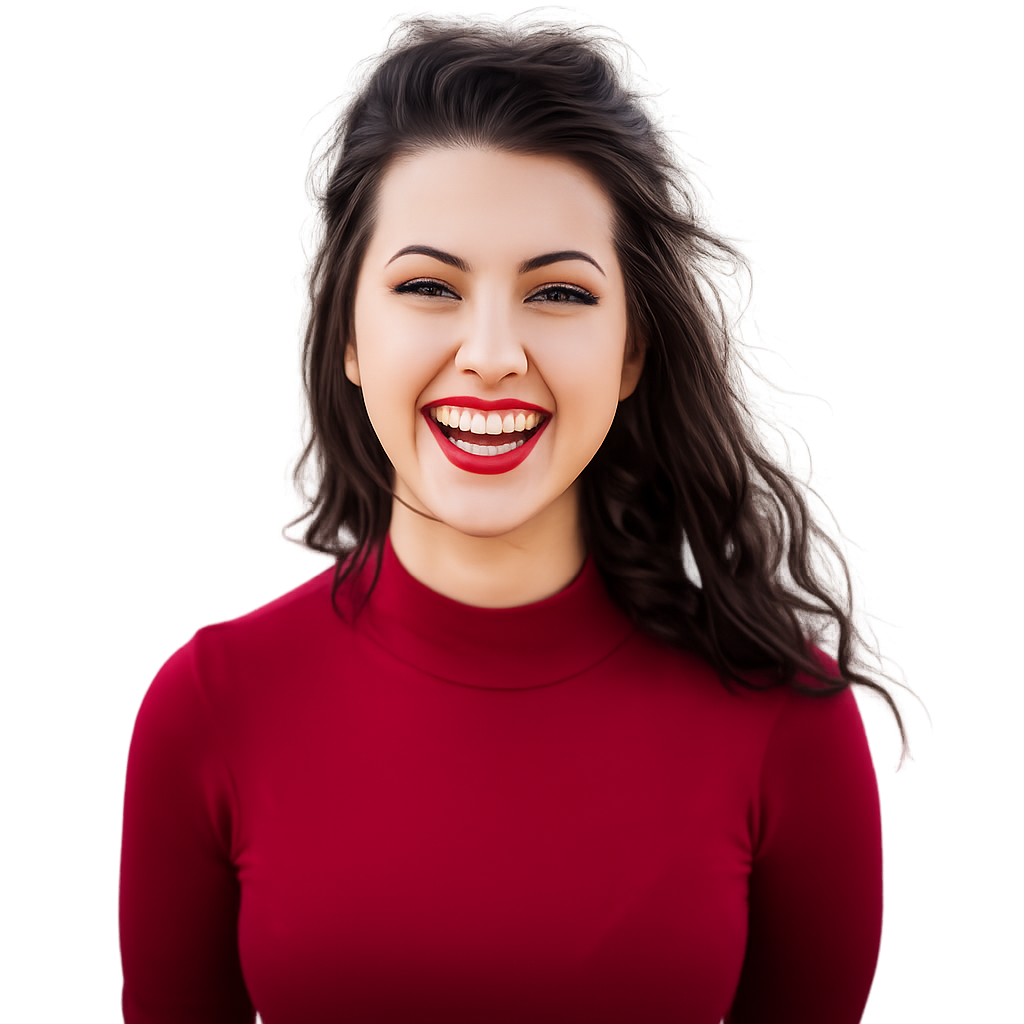 After
AfterAI Background Remover example result
The public page explains the workflow. `/studio` remains the execution layer.
Sample Results
See what this tool can do with real photos.
BeforeAfterAI Background Remover example result
User Reviews
Based on 3,251 reviews
Emma T.
Blog Writer
"Every blog post header gets enhanced here before publishing. The sharpening is subtle enough that it doesn't look over-processed."
Will H.
Marketing Coordinator
"Our Instagram needs 5 edited images per day. I batch-process them here in 20 minutes instead of waiting for the design team."
George N.
Etsy Seller
"White background removal on jewelry photos used to take me 20 minutes per item. Now it's instant and the edges around chains are clean."
What Is AI Background Remover?
Tired of spending hours in complex software just to isolate your subject? Our AI Background Remover is your one-click solution. Imagine you're an Etsy seller needing to create crisp, consistent product photos for your storefront. Simply upload your image, and our AI instantly detects the subject and creates a clean, transparent background, ready for Shopify or Amazon. Or perhaps you're updating your LinkedIn profile and want a professional look without a distracting background. Our tool isolates your portrait with precision, allowing you to place it on a solid color or a new branded background. Get professional results automatically, saving you time and effort.
Why Choose This Tool
Automatic Subject Detection
Our AI intelligently identifies the main subject—person, product, or pet—and separates it from the background with incredible accuracy, no manual tracing needed.
High-Resolution Output
Download your background-free image in full resolution. We preserve the quality of your original photo, ensuring your final result is crisp, clear, and ready for professional use.
Precise Edge Cutouts
Handling tricky details like hair, fur, and fine lines is our specialty. Our algorithm delivers smooth, clean edges for a natural, non-pixelated look every single time.
Transparent PNG Output
Get a high-quality PNG file with a transparent background by default. This makes it incredibly easy to layer your subject onto new backdrops or marketing materials.
Simple Drag-and-Drop UI
No complicated menus or tools to learn. Just drag your image file directly onto the web page to begin the background removal process instantly.
Add Solid Color Backgrounds
After removing the original background, you can instantly add a clean white, grey, or custom color background directly within the tool before you download.
Stop Wasting Hours in Photoshop
Manual background removal is tedious and time-consuming. Our AI does it in seconds with professional-quality results.
How It Works
Upload Your Image
Click the 'Upload' button or simply drag and drop your JPG, PNG, or WEBP file into the designated area. The tool will immediately start processing your photo.
AI Removes Background
In just a few seconds, our AI model analyzes your image, identifies the foreground subject, and automatically removes the background, leaving a precise cutout.
Download Your New Image
Preview your result with a transparent background. Click 'Download' to save the high-resolution PNG file to your device, ready for immediate use.
Who Is This For?
Popular use cases for this tool.
E-commerce Product Listings
Create clean, uniform product images for platforms like Amazon, Shopify, and Etsy. A consistent white background helps your products stand out and look more professional.
Professional Profile Pictures
Remove distracting backgrounds from your headshot for LinkedIn, company websites, or resumes. Present a polished and focused image of yourself.
Marketing & Ad Creatives
Isolate people or products to use in social media posts, banners, and digital ads. Easily layer subjects onto branded backgrounds for compelling visuals.
Personal Photo Projects
Create custom greeting cards, fun collages, or digital art by cutting out friends and family from their original photos and placing them in new settings.
Car Dealership Photos
Remove cluttered dealership backgrounds from vehicle photos. Showcase cars against a clean, professional backdrop to attract more online buyers.
Frequently Asked Questions
How do I remove the background from an image with hair?
Removing backgrounds from images with hair is a common challenge, but our AI is specifically trained for it. Simply upload your photo, and the algorithm will automatically detect the fine strands of hair and create a detailed mask around them. It distinguishes between the subject's hair and the background, preserving detail that would be tedious to trace manually. For best results, use a high-quality image where the hair has good contrast with the background. The AI handles wisps and flyaways to provide a natural-looking cutout without the jagged edges you might get from less advanced tools. You don't need any special settings; the process is fully automatic.
What file formats can I upload?
Our AI Background Remover supports the most common image formats used on the web and in photography. You can upload files in JPG, PNG, and WEBP formats. We recommend using the highest quality source image available to ensure the most accurate cutout and the best final result. After the background is removed, your image will be available for download as a PNG file. We use the PNG format because it supports transparency, which is essential for placing your subject onto a new background or using it in layered designs. The output PNG will maintain the original resolution of your uploaded image.
How is this different from using Photoshop's 'Remove Background' tool?
While Photoshop is a powerful, professional-grade editor, its background removal tools often require multiple steps and manual adjustments for a clean result. Our AI tool is built for one purpose: speed and simplicity. You get a high-quality result in a single click, without needing any technical skills or software subscriptions. Our model is trained on millions of images, specializing in identifying subjects and creating precise cutouts instantly. For users who need to process images quickly, especially for e-commerce or social media, our tool eliminates the learning curve and time investment required by complex software like Photoshop.
Is this background remover tool completely free to use?
Yes, our AI Background Remover offers a generous free tier that allows you to process a certain number of images per day at standard resolution, which is perfect for most personal projects and small-scale business needs. This lets you test the quality and speed of our tool without any commitment. For users with higher volume needs, such as e-commerce stores processing large product catalogs, we will be offering premium plans. These paid plans will provide unlimited high-resolution downloads, batch processing capabilities, and priority support. We believe in providing a powerful free tool for everyone while offering advanced features for professional users.
Are my uploaded images stored on your servers?
We take your privacy and data security very seriously. When you upload an image to our background remover, it is sent to our secure servers for processing by the AI model. The image is only held long enough to perform the background removal task. After you have downloaded your result, the original and processed files are automatically and permanently deleted from our servers within a few hours. We do not use your images for training our AI models or for any other purpose. Your images remain your property, and we are committed to ensuring they are handled securely and temporarily.
Can the tool handle complex backgrounds with multiple objects?
Absolutely. Our AI is designed to distinguish the primary foreground subject from even the most cluttered or complex backgrounds. Whether your subject is standing in front of a busy cityscape, a patterned wall, or a scene with other people, the model focuses on identifying the most prominent element. It analyzes depth, edges, and context to make an intelligent decision about what to keep and what to remove. While extremely complex scenes can be challenging for any AI, our tool performs exceptionally well in the vast majority of real-world scenarios.
Can I add a new background after removing the old one?
Yes. After the AI removes the original background, our tool gives you the option to either download the image with a transparent background as a PNG file or to add a new background directly. You can select from a palette of solid colors, including pure white, which is perfect for e-commerce product photos. This integrated feature saves you a step, as you won't need to import the transparent image into another editor just to add a simple colored background. Get your final, ready-to-use image in seconds, all within one simple interface.
How does this compare to an AI Profile Picture Generator?
Our AI Background Remover is a specialized tool that performs a key first step in many creative workflows. This tool focuses solely on isolating your subject from its original background. An AI Profile Picture Generator is a more comprehensive tool that often takes your isolated image and uses it to create entirely new, stylized backgrounds, adjust lighting, and generate different artistic styles. You can use our Background Remover to prepare a perfect cutout of your headshot, which you can then take to a profile picture generator for further creative enhancement.
What is the maximum image resolution I can upload?
Our tool is designed to handle high-resolution images to ensure the quality of the final cutout. You can upload images up to 12 megapixels and 25MB in file size. Uploading a larger, clearer source image allows our AI to better analyze fine details like hair, fur, and intricate edges, resulting in a more precise and professional-looking final product. After processing, you can download the background-free PNG at the same resolution as your original file, preserving all the important details. We recommend avoiding heavily compressed or very small images for the best possible results.
Do I need to create an account to use the tool?
No, you do not need to create an account for casual use. We want to make the process as fast and frictionless as possible. You can visit our website, upload your image, and download the result immediately without any sign-up required. This is perfect for one-off tasks or for testing the tool's capabilities. We may require account creation for accessing premium features in the future, such as processing history, batch uploads, or higher daily limits. But for the core functionality of removing a background from a single image, you can start right away.
How do I get a clean white background for a product photo?
Getting a clean white background is simple with our tool. First, upload your product photo. The AI will automatically remove the original background, leaving your product on a transparent layer. From there, a simple editor will appear. Just select the 'white' color swatch from the background options, and the transparent area will be instantly filled with pure white. Then, you can download the image as a JPG or PNG. This is perfect for meeting the requirements of e-commerce platforms like Amazon and for creating a consistent, professional look across your online store.
Does this work on photos of animals and pets?
Yes, our AI model is trained on a diverse dataset that includes thousands of images of animals. It's highly effective at identifying and cutting out pets like cats and dogs, even with challenging features like fur and whiskers. The algorithm recognizes the animal as the main subject and precisely removes the background, whether it's a living room floor or a grassy park. This is great for creating fun pet portraits, custom merchandise, or memorializing a beloved animal. Just upload the photo as you would any other, and the AI will handle the rest, delivering a clean cutout of your furry friend.
Related Tools
Explore more AI photo tools you might like.