AI Image Editor
Upload any image and describe what to change. AI applies your edit precisely, preserving the rest of the photo.
Preset route
Choose the public starting point before you open Studio
Or choose a popular preset:
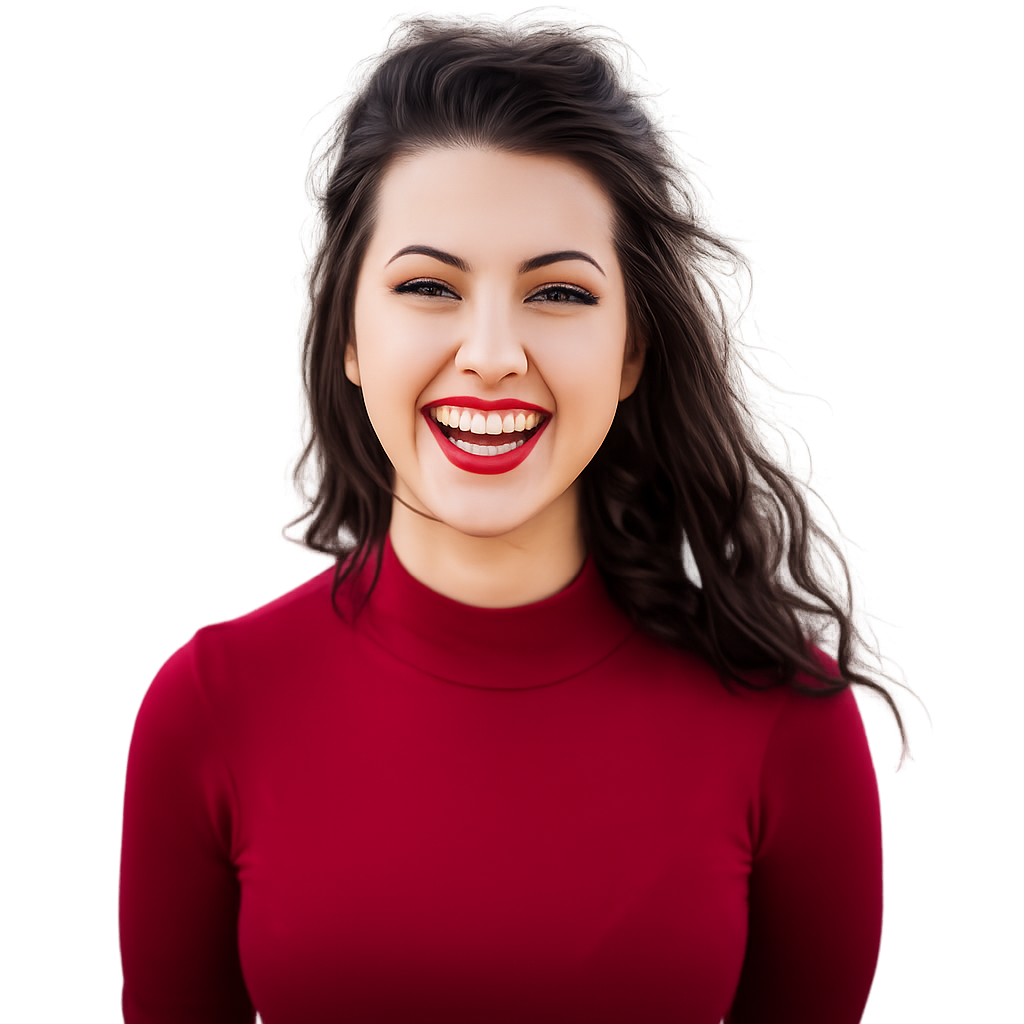
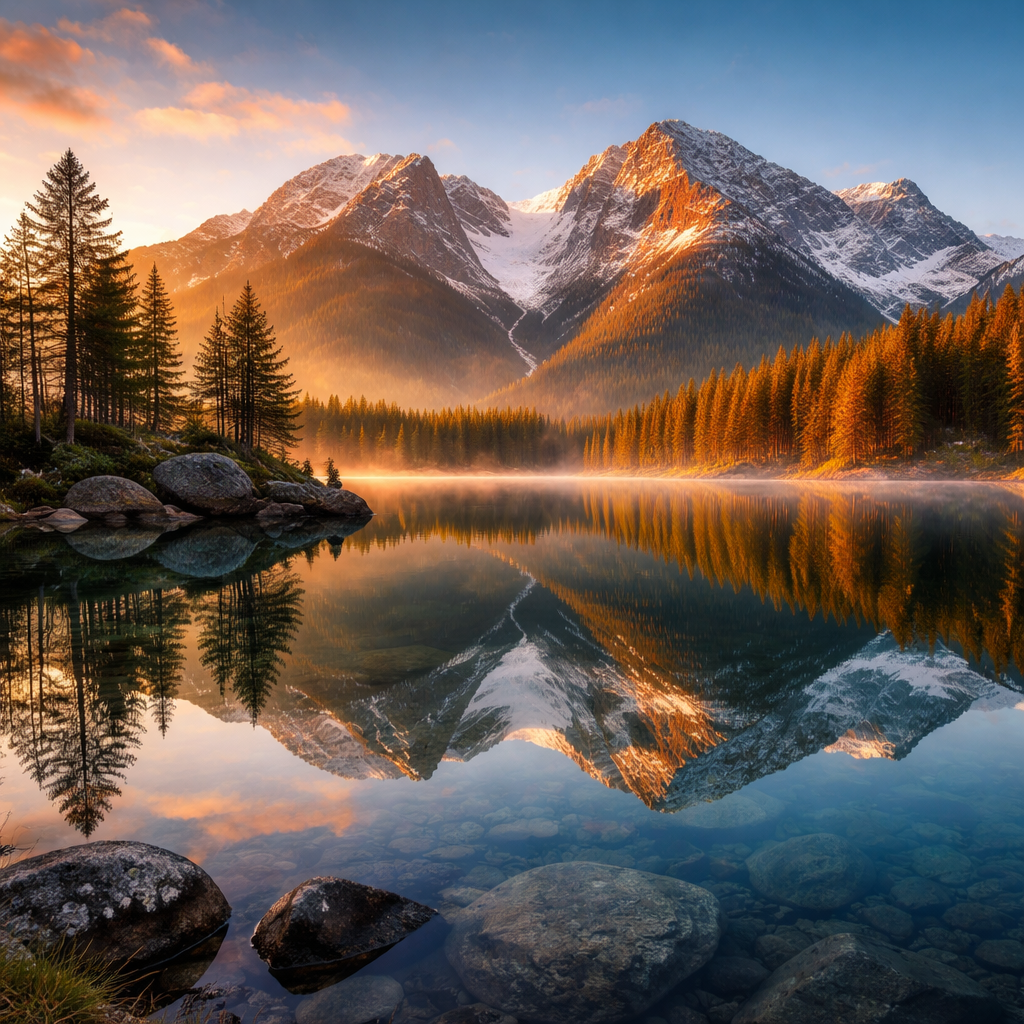
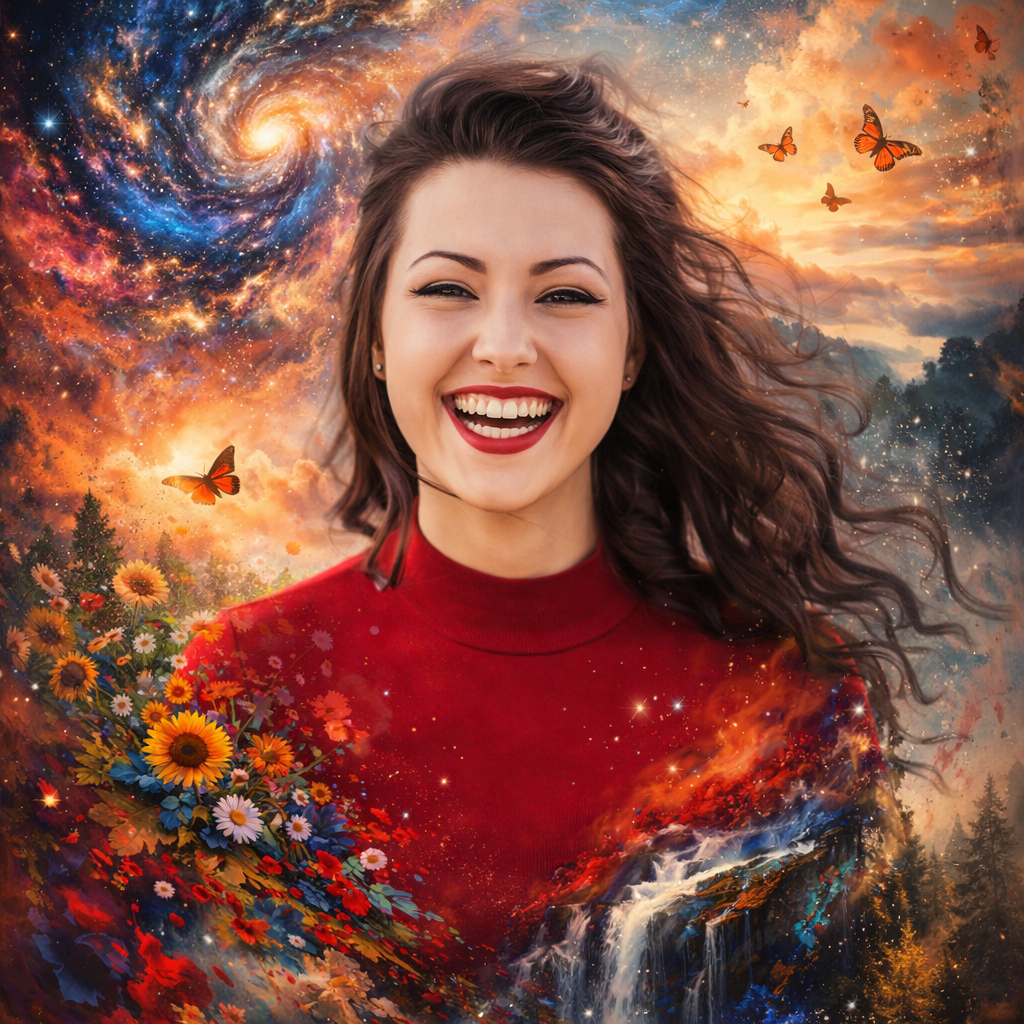
Sample compare
See the promise before you move into execution
 Before
 After
AfterAI Image Editor example result
The public page explains the workflow. `/studio` remains the execution layer.
Sample Results
See what this tool can do with real photos.
BeforeAfterAI Image Editor example result
User Reviews
Based on 4,507 reviews
Peter L.
E-Commerce Owner
"Used this for my Etsy shop product photos. Backgrounds come out clean on the first try and I list items 3x faster now."
Will H.
Marketing Coordinator
"Our Instagram needs 5 edited images per day. I batch-process them here in 20 minutes instead of waiting for the design team."
George N.
Etsy Seller
"White background removal on jewelry photos used to take me 20 minutes per item. Now it's instant and the edges around chains are clean."
What Is AI Image Editor?
An AI image editor that lets you modify photos using natural language instructions. Upload your image, describe the change, and AI handles the rest.
Why Choose This Tool
Text-Guided Editing
Describe what to change in plain English and AI applies it precisely.
Non-Destructive Edits
Only the described area changes — the rest of your photo stays intact.
HD Output
Download your edited image at full resolution.
Skip the Complex Editing Tools
No layers, no masks, no manual selection. Just describe what you want changed and AI does it.
How It Works
Upload Your Image
Drop or select the photo you want to edit.
Describe the Edit
Type what you want to change, add, or remove.
Download Result
Get your edited image ready to use.
Who Is This For?
Popular use cases for this tool.
Object Replacement
Replace any object in a photo by describing the new one.
Background Changes
Change the background to any scene you describe.
Frequently Asked Questions
How specific should my prompt be?
Be as specific as possible — describe what to change, where, and how it should look.
Does editing change the whole image?
No. The AI preserves the rest of the image and only modifies what you described.
Related Tools
Explore more AI photo tools you might like.