AI Pose Generator
Improve stiff or awkward portraits with cleaner hand placement, confident body angles, and creator-ready poses from a single image.
Preset route
Choose the public starting point before you open Studio
Or choose a popular preset:
Sample compare
See the promise before you move into execution
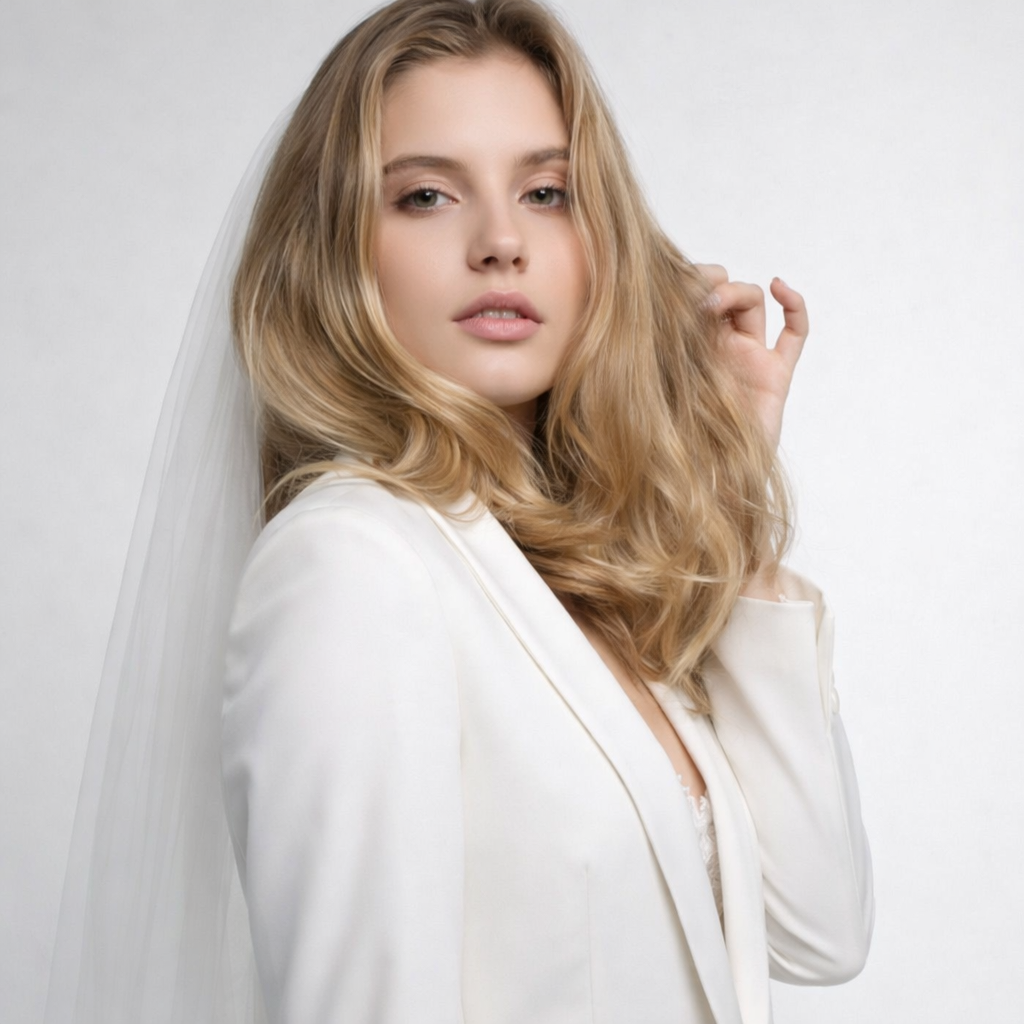
 Before
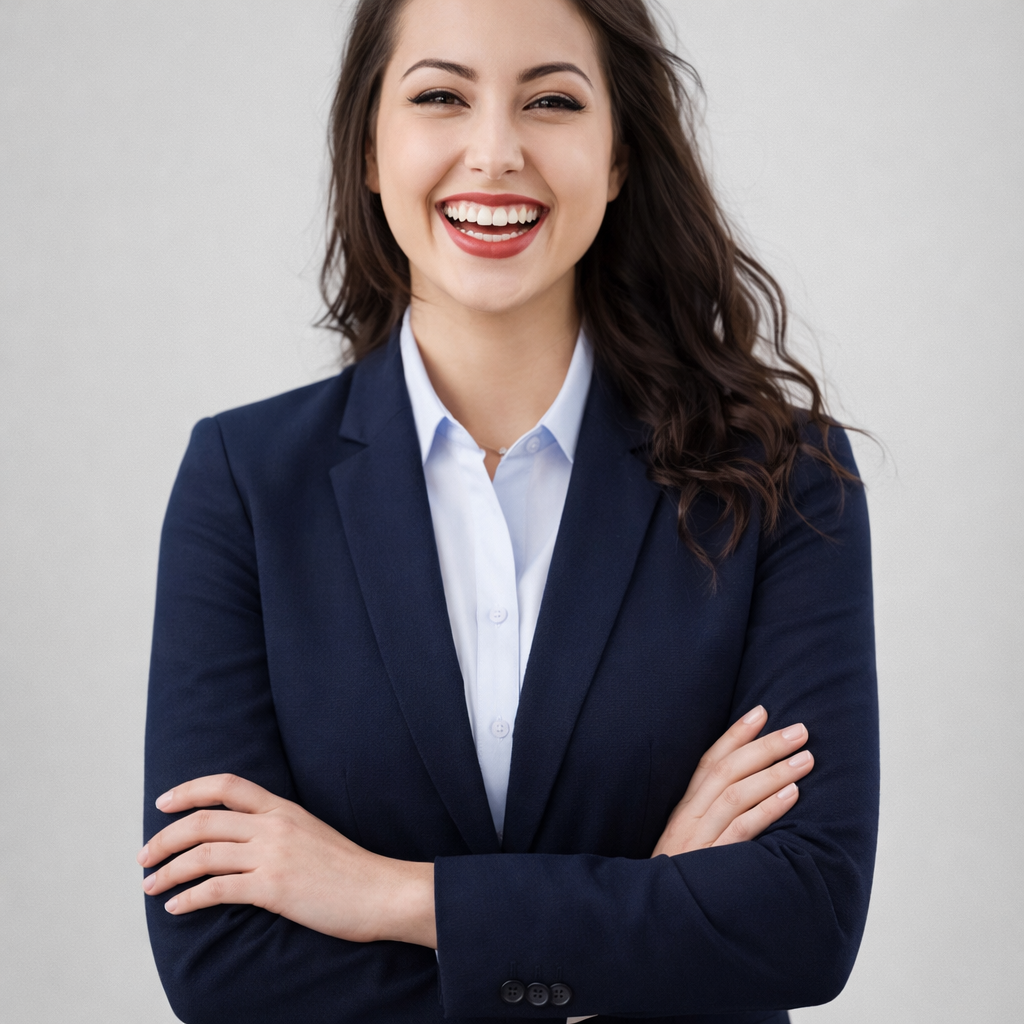 After
AfterGenerate Better Poses for Your Portrait Photos example result
The public page explains the workflow. `/studio` remains the execution layer.
Sample Results
See what this tool can do with real photos.
BeforeAfterGenerate Better Poses for Your Portrait Photos example result
User Reviews
Based on 213 reviews
Ashley W.
Makeup Artist
"I preview the bridal look on the bride's photo before the trial. Cuts trial time from 2 hours to 45 minutes because we already agree on the vision."
Karen S.
Beauty Enthusiast
"Tried a smokey eye look before buying the Urban Decay palette. Saved $54 because I realized it didn't suit my face shape."
Rebecca T.
Fashion Stylist
"Clients see themselves with different lip colors and eye makeup before we shop. They buy with more confidence and return less."
What Is AI Pose Generator?
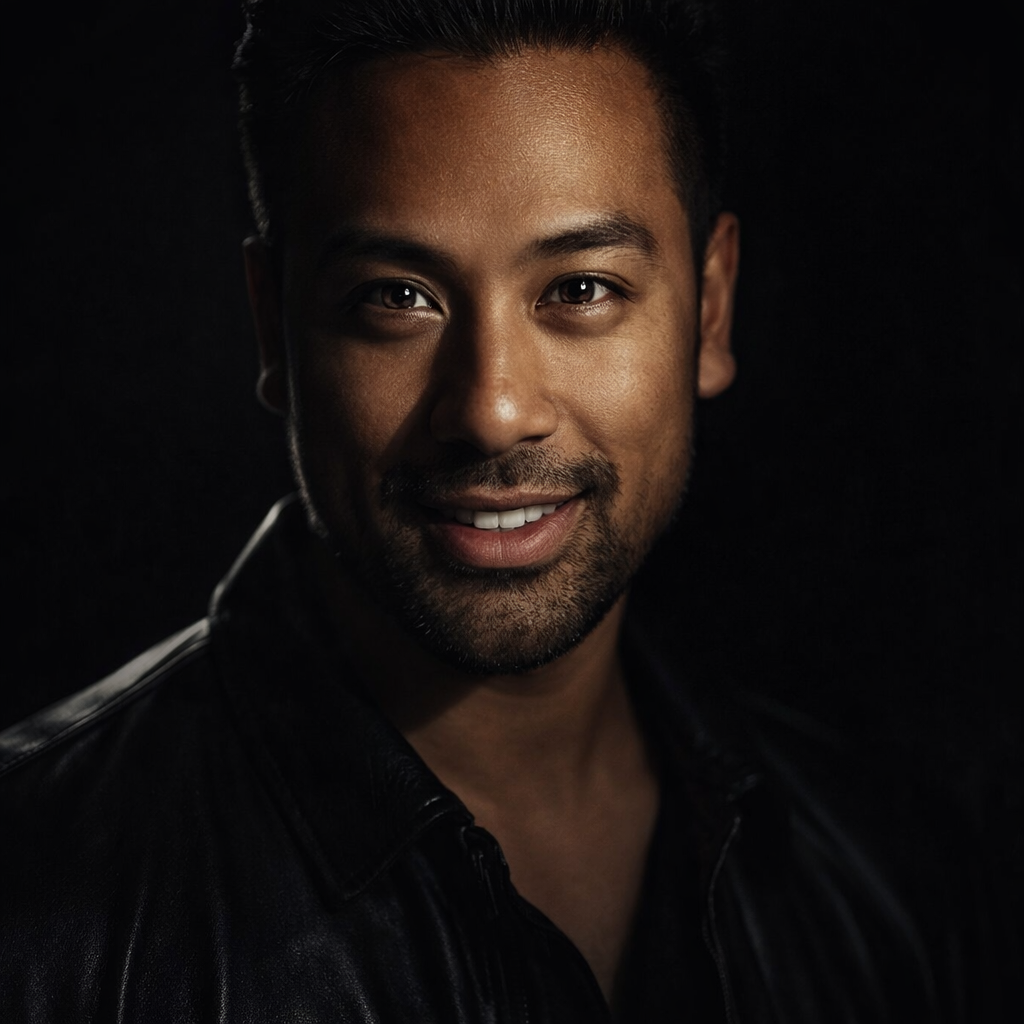
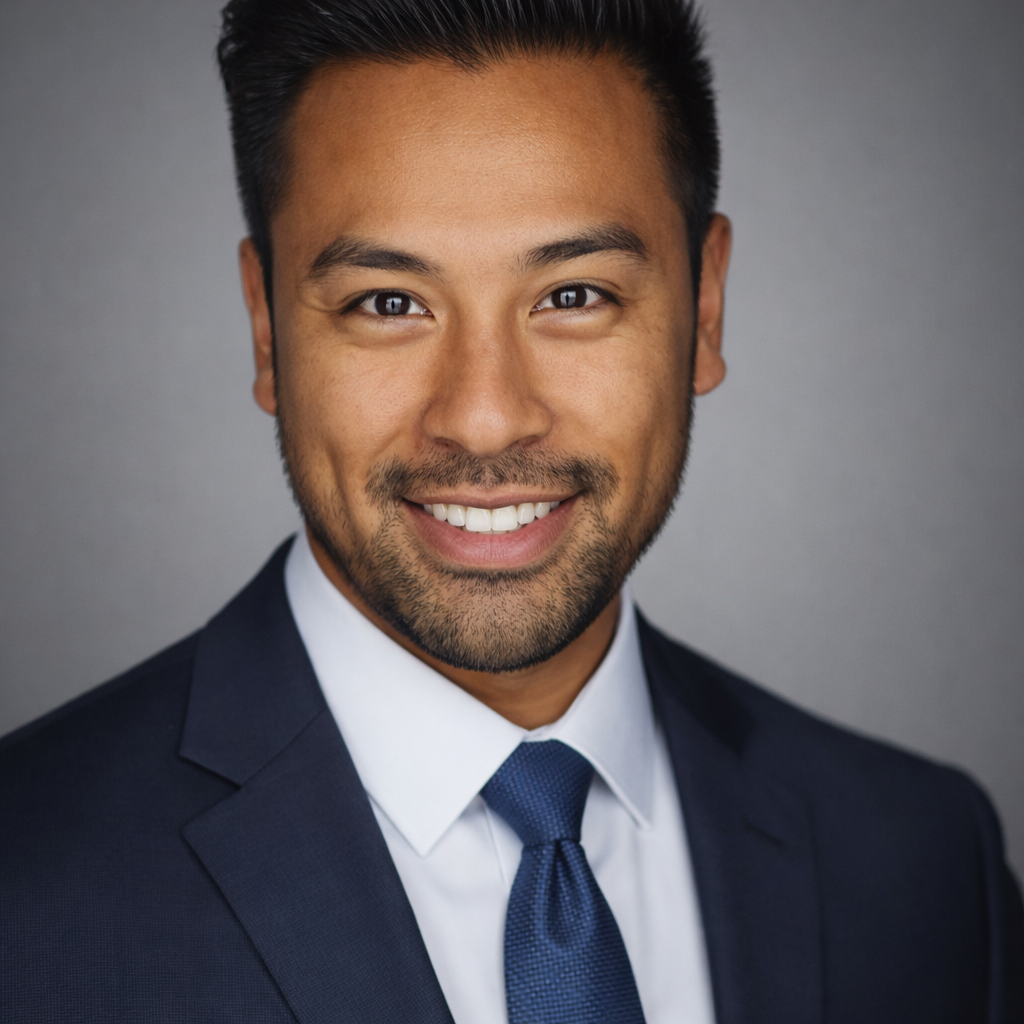
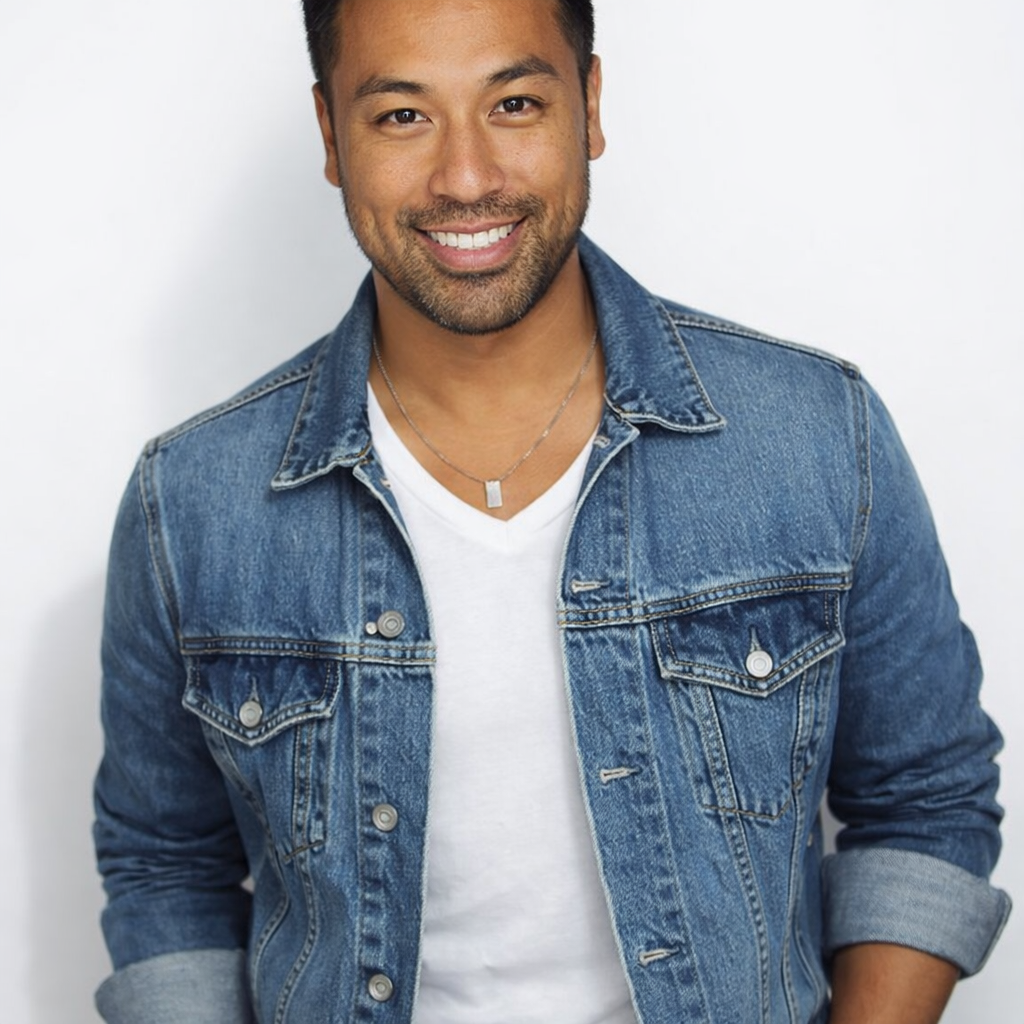
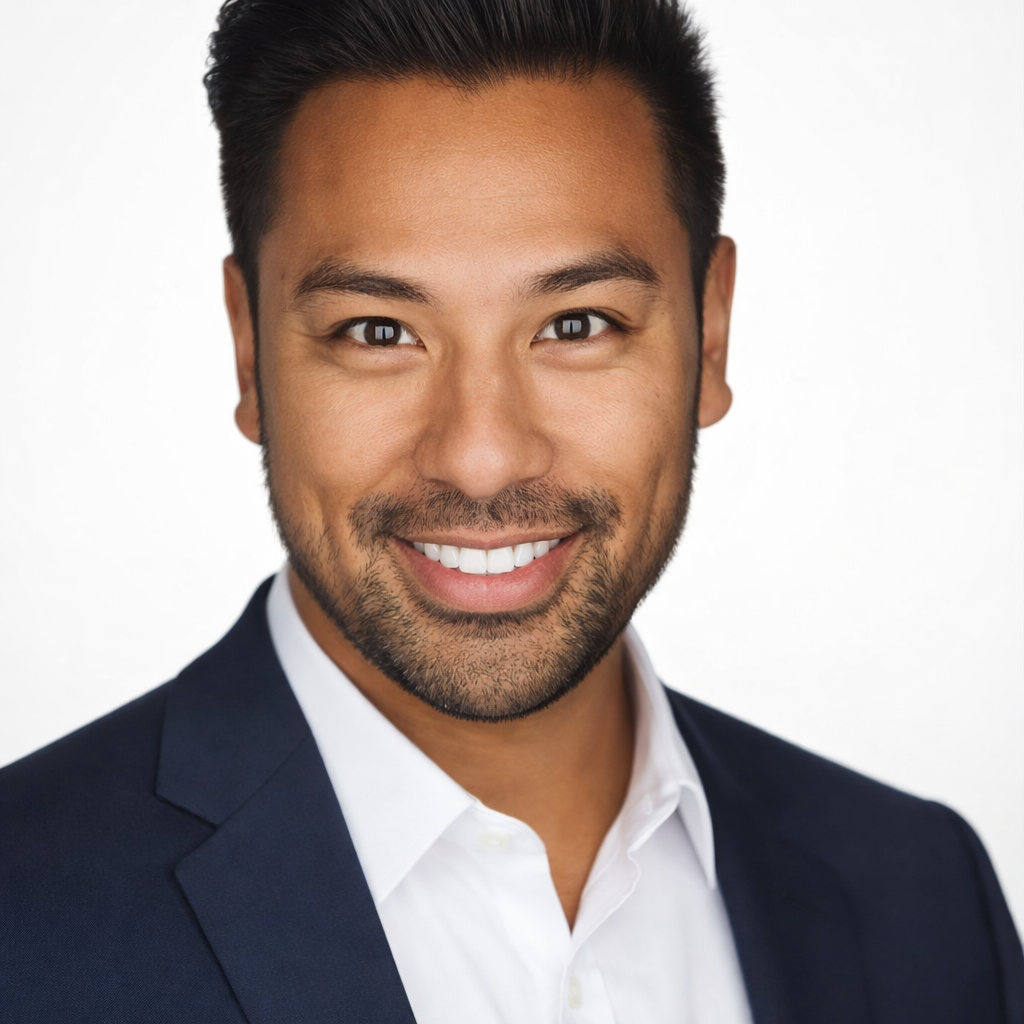
An AI pose generator takes a portrait photo and regenerates it with improved posing — better hand placement, stronger body angle, and more intentional framing — so your professional headshots, creator photos, and LinkedIn images look confident instead of stiff.
Why Choose This Tool
Fix Awkward Poses Without a Reshoot
Stiff arms, bad hand placement, and poor body angle ruin otherwise good photos. The AI corrects posture and positioning without requiring a full reshooting session.
Match the Pose to Your Professional Brand
A founder needs a different pose energy than a creator or consultant. Choose the pose preset that signals the right level of authority and approachability.
Better Input for Every Downstream Tool
A well-posed photo produces stronger results when passed to headshot generators, business photo tools, or LinkedIn photo tools.
Most People Don't Know How to Pose. The Camera Doesn't Lie.
You can have perfect lighting, a great backdrop, and an expensive camera — and still look stiff or awkward in a portrait if you don't know how to pose. Professional models and executives have photographers coaching them through every shot. The AI pose generator brings that direction to your existing photo so you look relaxed, confident, and intentional.
How It Works
Upload Your Portrait
Upload a portrait photo where your body and posture are visible.
Choose a Pose Style
Select founder, creator, casual, confident, or clean studio.
Preview & Use
Review the improved portrait and download it for professional or social use.
Who Is This For?
Popular use cases for this tool.
LinkedIn and Professional Headshots
Replace a stiff or awkward professional photo with a confident, well-posed portrait that signals credibility.
Creator and Brand Photos
Generate creator-style poses for YouTube thumbnails, brand partnership photos, or newsletter headers.
Speaker and Bio Photos
Get a clean, confident pose for conference bios, podcast guest pages, and speaker materials.
Profile Photo Improvement
Improve the posing on an existing photo you like but feel isn't quite landing the way you want.
Frequently Asked Questions
Does the AI pose generator change my face or just my posture?
The tool focuses on body angle, hand placement, and overall composition. Your face remains consistent — the AI adjusts how you carry yourself in the frame.
What kinds of photos work best for pose improvement?
Portrait and half-body photos where your arms, shoulders, and upper body are visible produce the best results. Headshot-only photos have limited room for pose adjustment.
Can I use this to improve photos taken on my phone?
Yes. Phone photos are perfectly usable — what matters most is that the lighting is decent and your body positioning is partially visible in the frame.
Related Tools
Explore more AI photo tools you might like.