AI Wedding Photo Generator
Create bridal, groom, and wedding-style portraits from your photo for fun previews, invitations, and social sharing.
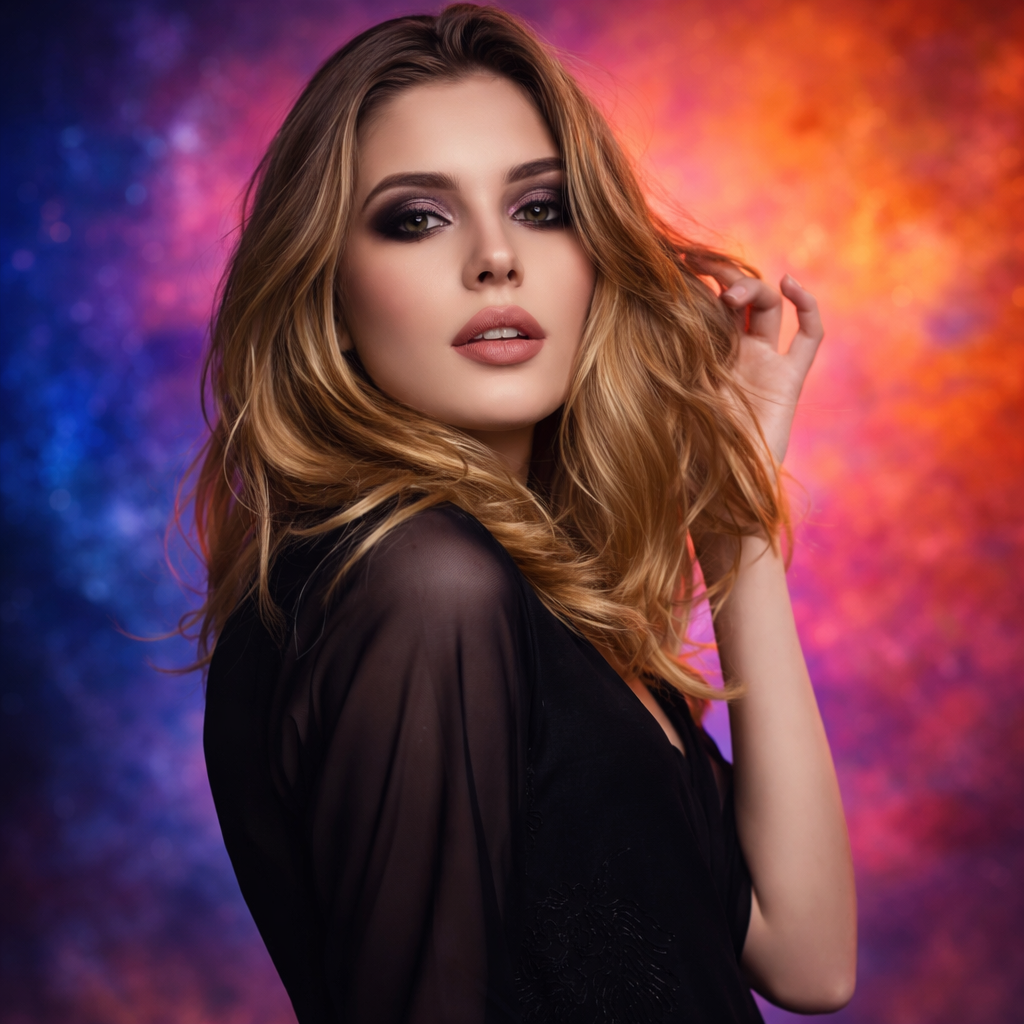
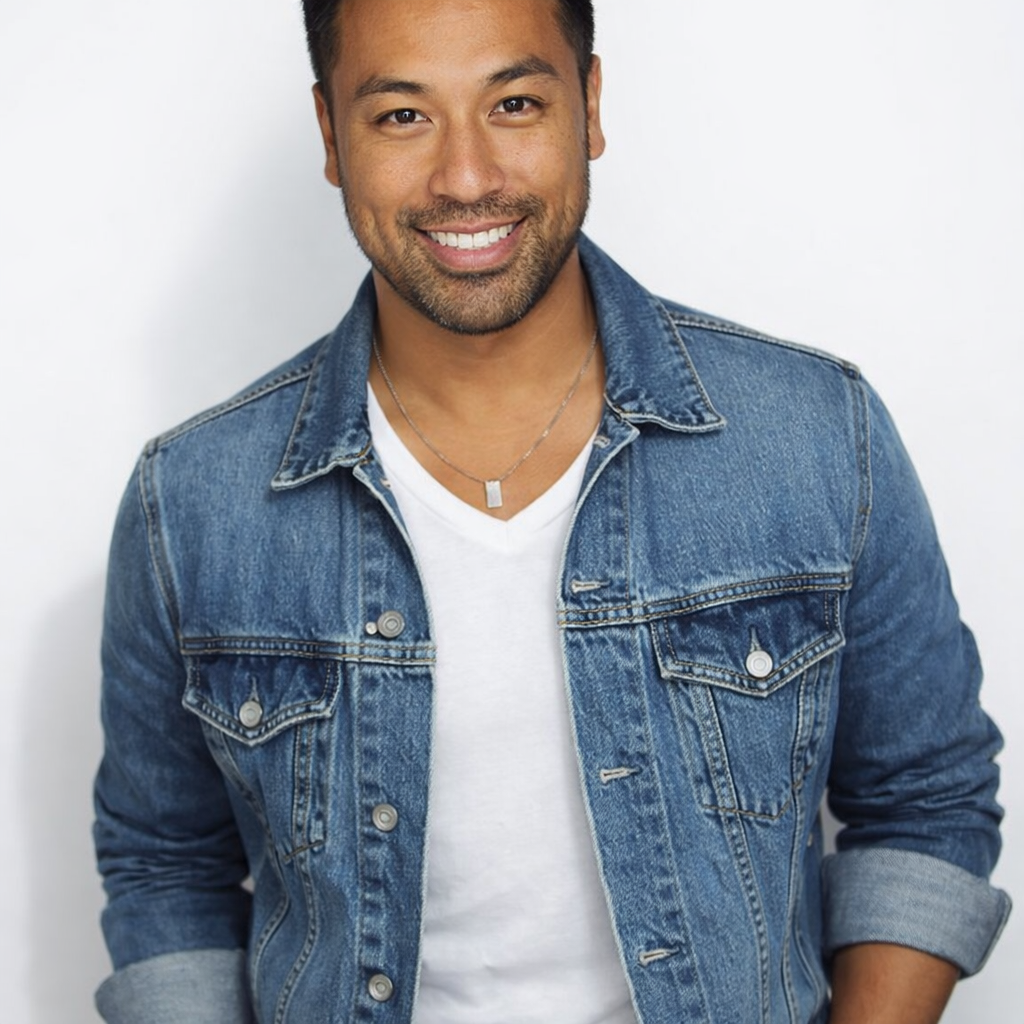
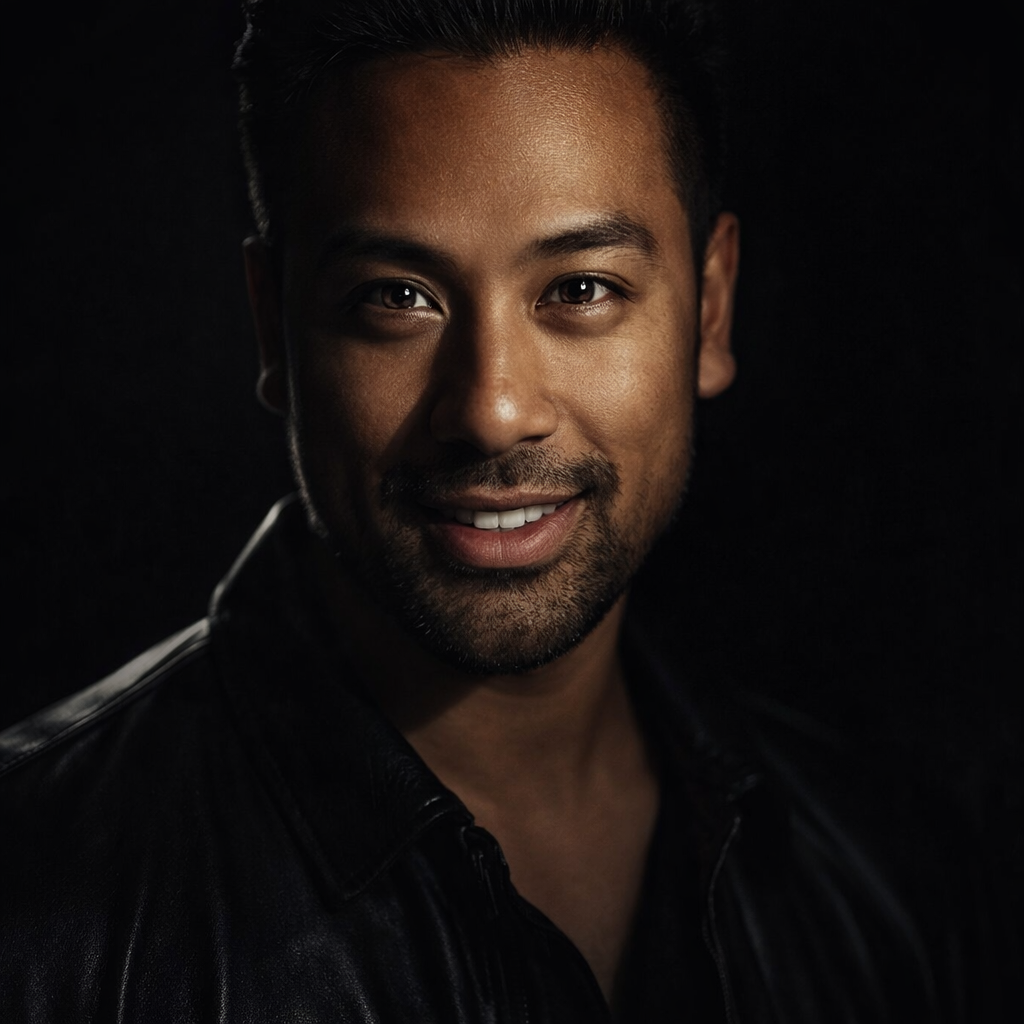
Preset route
Choose the public starting point before you open Studio
Or choose a popular preset:
Sample compare
See the promise before you move into execution
 Before
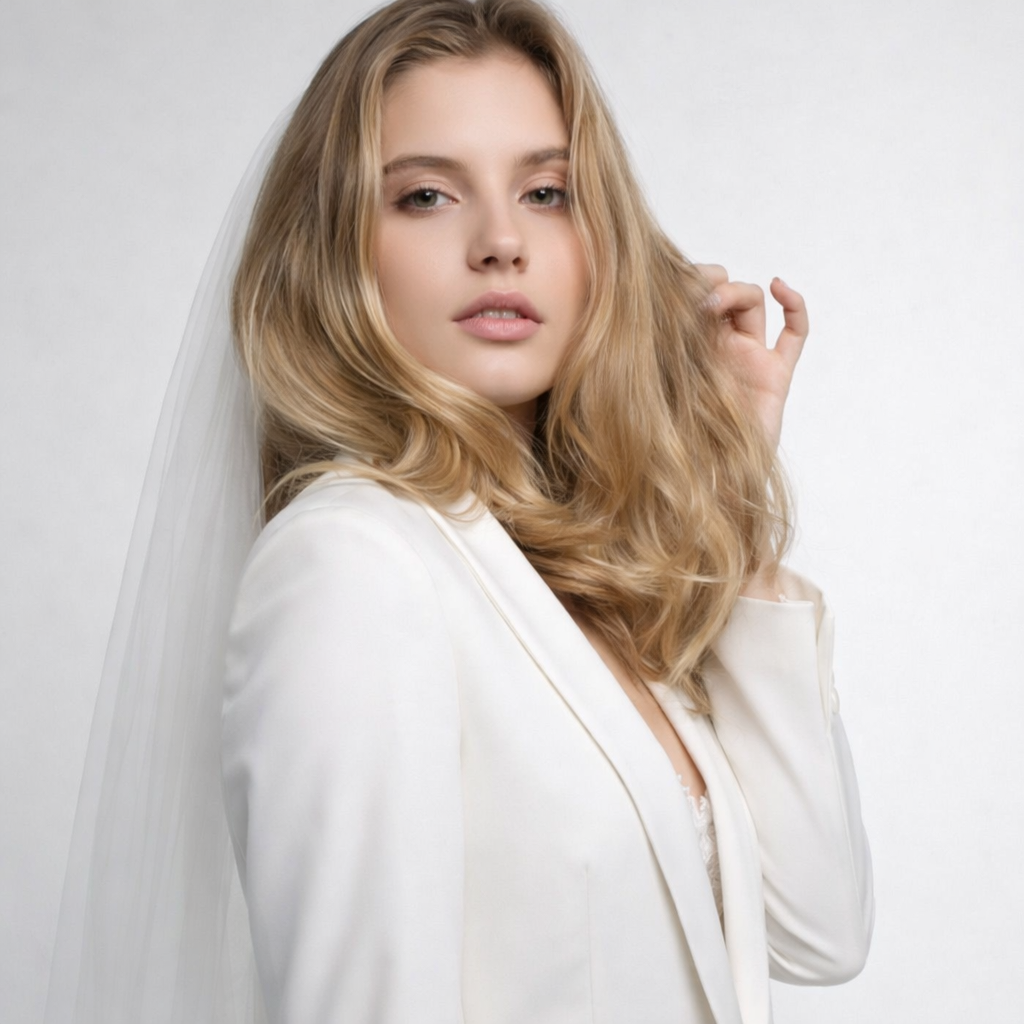 After
AfterTurn Your Photo into Elegant Wedding Portraits example result
The public page explains the workflow. `/studio` remains the execution layer.
Sample Results
See what this tool can do with real photos.
BeforeAfterTurn Your Photo into Elegant Wedding Portraits example result
User Reviews
Based on 1,891 reviews
Dana G.
Personal Stylist
"I send clients outfit previews on their own body before we go shopping. They show up knowing exactly what to look for."
Nina H.
Fashion Blogger
"Tried on a $300 jacket virtually before ordering. It looked amazing on me so I bought it, and the real thing matched the preview."
Paula A.
Instagram Influencer
"Swapped my apartment background for a Santorini sunset for a sponsored post. Got 12K likes and the brand re-shared it."
What Is AI Wedding Photo Generator?
An AI wedding photo generator transforms your portrait or couple photo into styled wedding imagery — from classic studio bridal portraits to outdoor ceremony looks — perfect for previewing styles before your actual wedding or creating shareable wedding-themed content.
Why Choose This Tool
Preview Wedding Looks Before the Day
See how you look in bridal or groom styles before committing to attire, and share the preview with your partner or planner.
Create Highly Shareable Wedding Content
Wedding-style transformation photos generate enormous engagement on social media — create yours in seconds without a full photoshoot.
Explore Multiple Wedding Styles
Compare classic studio, romantic outdoor, and modern minimalist wedding aesthetics to understand your visual direction.
Wedding Photography Is Expensive. Preview Styles First.
A wedding photographer can cost thousands of dollars, and style decisions need to be made months in advance. Whether you are planning your actual wedding or just want to see how you would look, an AI wedding photo generator lets you explore styles — bridal, outdoor, studio — before committing to a direction, a vendor, or a booking deposit.
How It Works
Upload Your Photo
Upload a portrait or couple photo with faces clearly visible.
Choose a Wedding Style
Pick from bride, groom, studio, outdoor, or classic white wedding looks.
Preview & Share
Review your wedding portrait, compare styles, and share or download the result.
Who Is This For?
Popular use cases for this tool.
Wedding Style Planning
Preview how you look in different wedding styles before making expensive decisions about attire and photography direction.
Social Media and Content Sharing
Create a viral wedding transformation post for fun, engagement, or to celebrate an anniversary or engagement news.
Save-the-Date and Invitation Content
Use a stylized AI wedding portrait as creative material for your save-the-date cards or digital invitations.
Couple and Partner Gift
Generate a romantic wedding-style portrait as a fun, creative gift for your partner or as a piece of wall art.
Frequently Asked Questions
Can I use this for an actual wedding photo?
Many people use AI wedding photos for invitations, social media, and personal mementos. For your official wedding album, we recommend a professional photographer — but this tool is perfect for previewing, planning, and sharing.
Can I generate a couple wedding photo from two separate portraits?
Yes. Upload a couple photo or two portraits and select a couple-friendly preset to generate a composed wedding portrait together.
What input photo works best for wedding portraits?
A clean portrait with good lighting and a neutral expression works best. The AI handles attire and background transformation — you just need a clear face.
Related Tools
Explore more AI photo tools you might like.