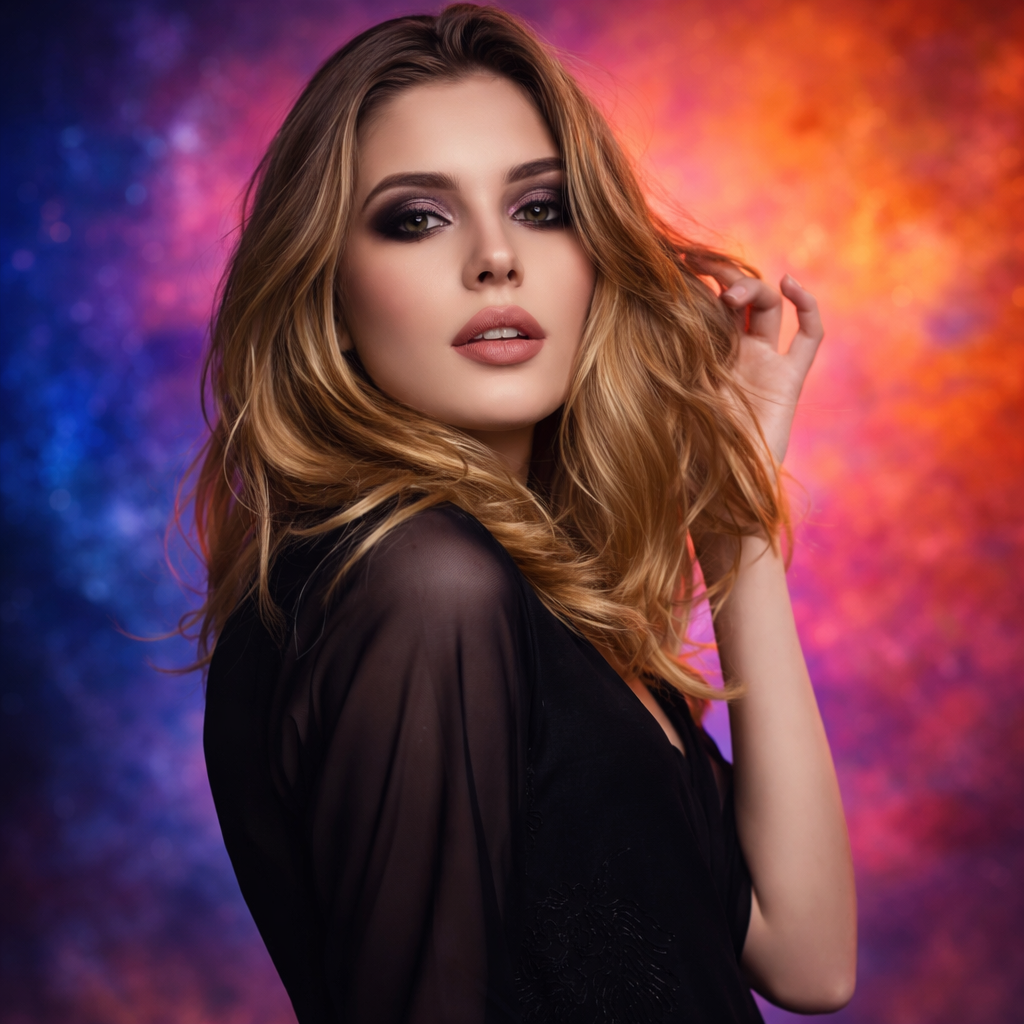
AI Blemish Remover
Remove pimples, marks, and distractions while keeping natural skin texture on portraits and profile photos.
Preset route
Choose the public starting point before you open Studio
Or choose a popular preset:
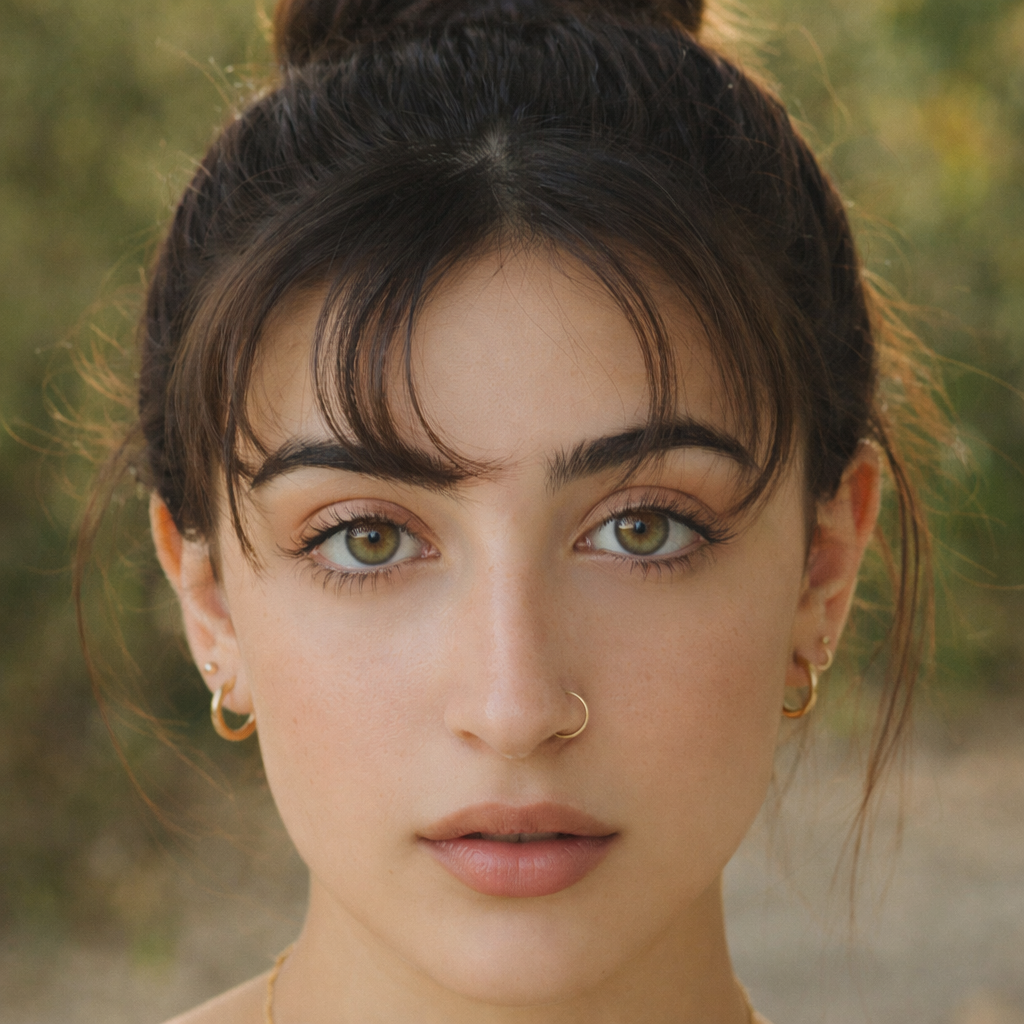
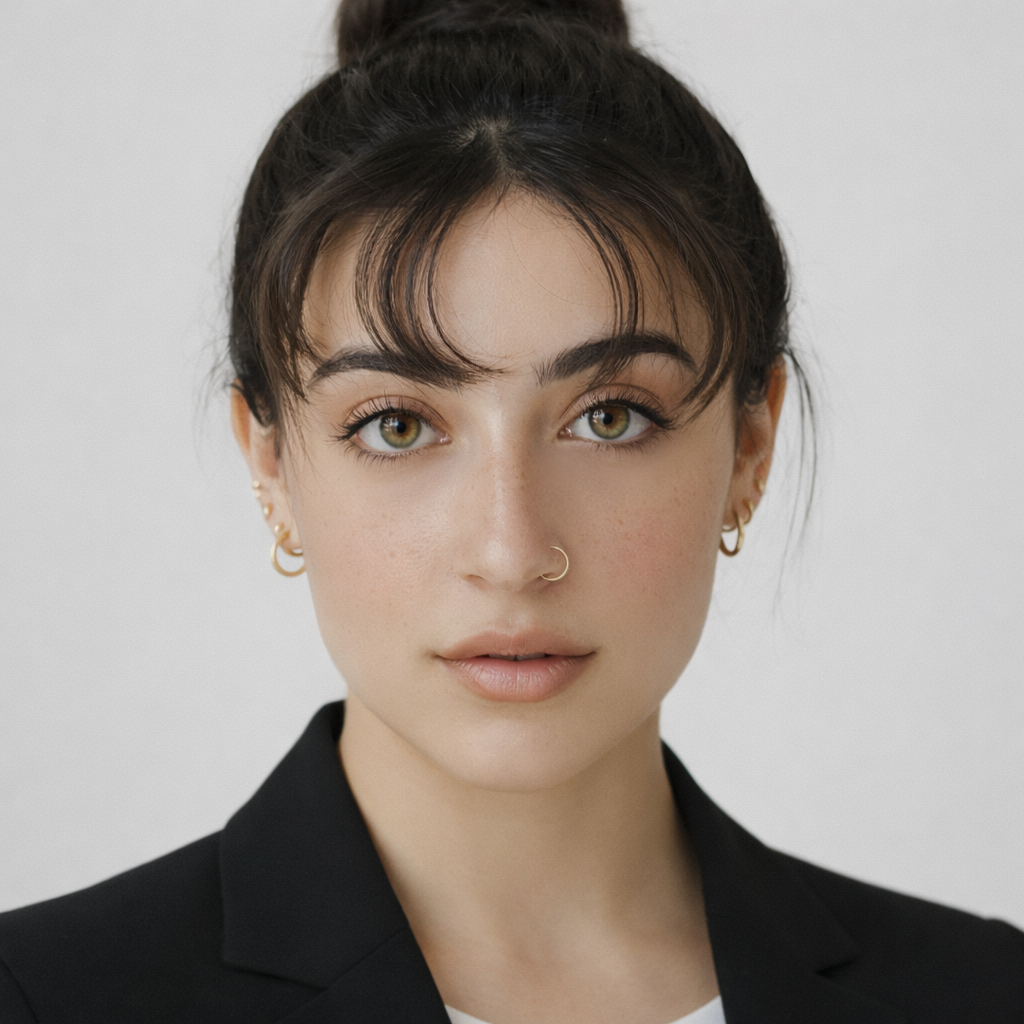
Sample compare
See the promise before you move into execution
 Before
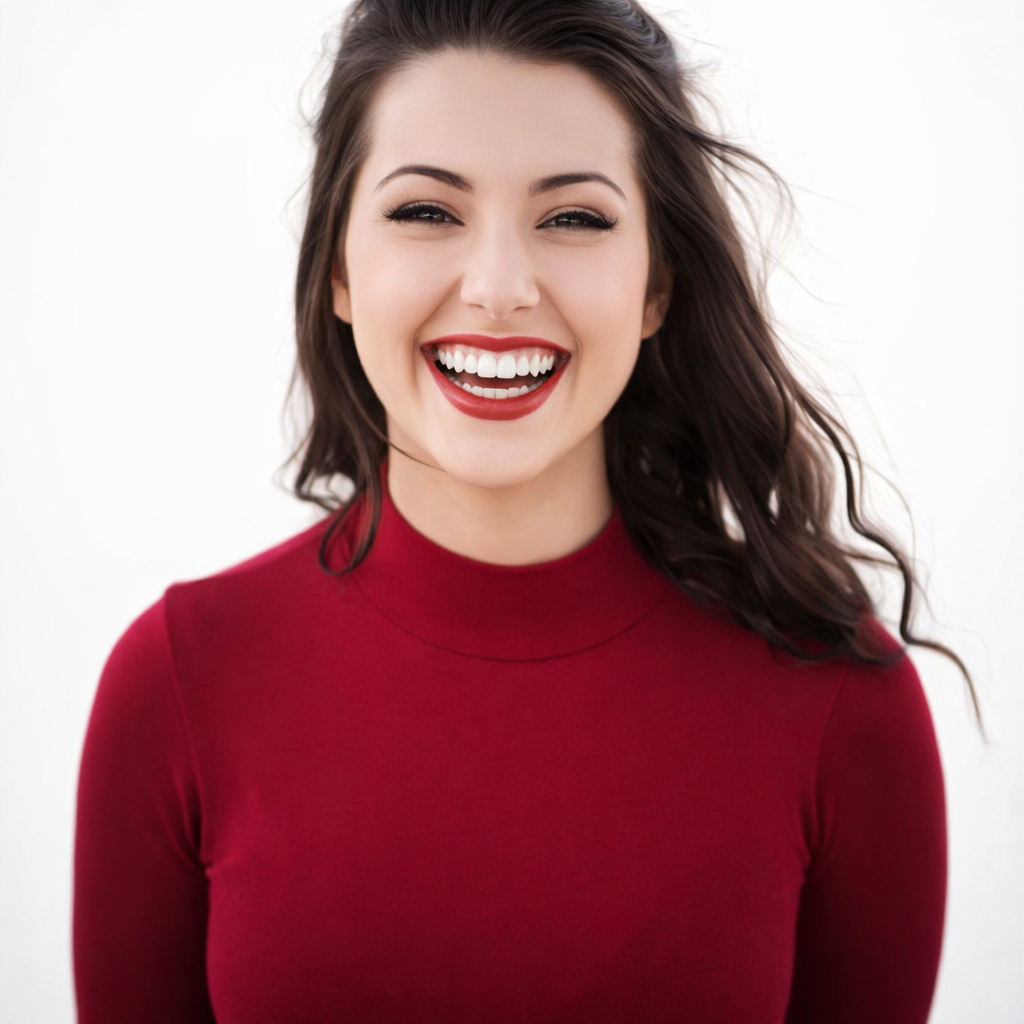 After
AfterClean Up Skin Fast for Better Portraits example result
The public page explains the workflow. `/studio` remains the execution layer.
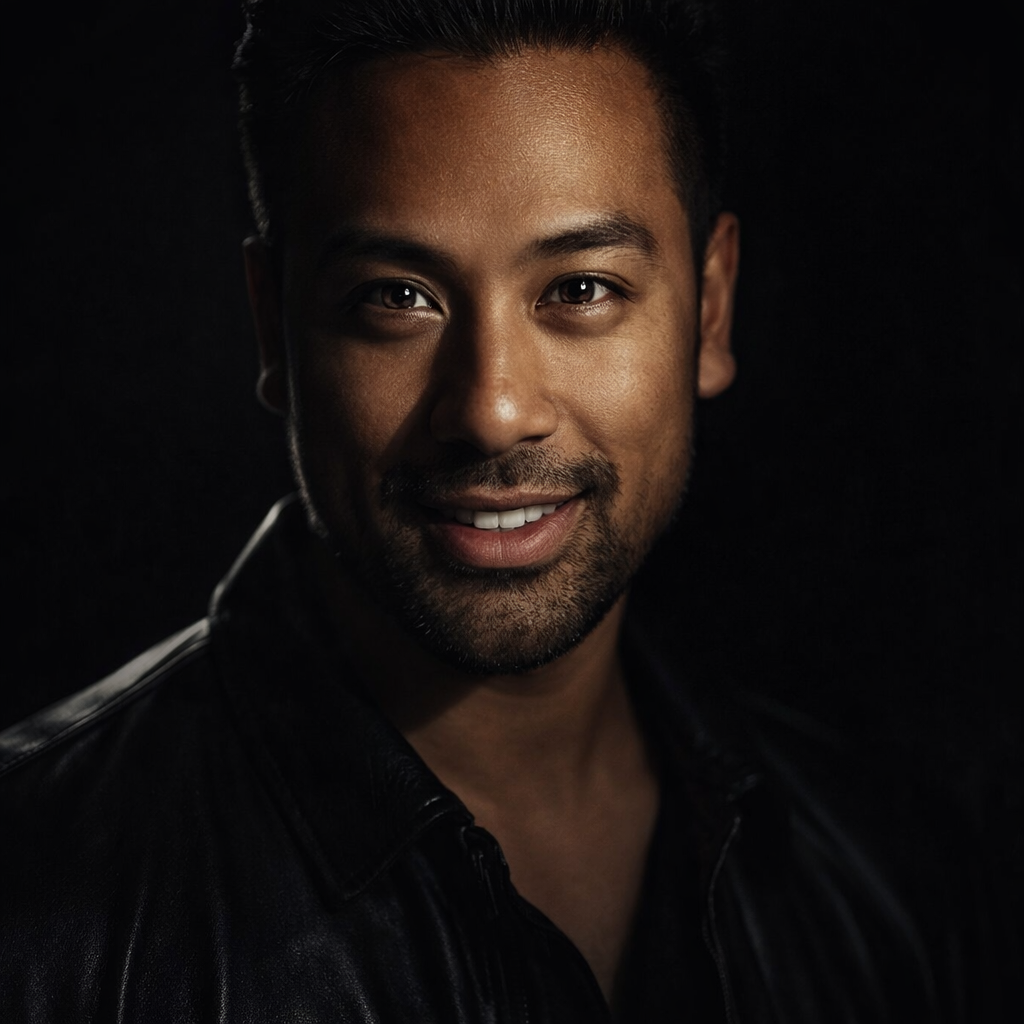
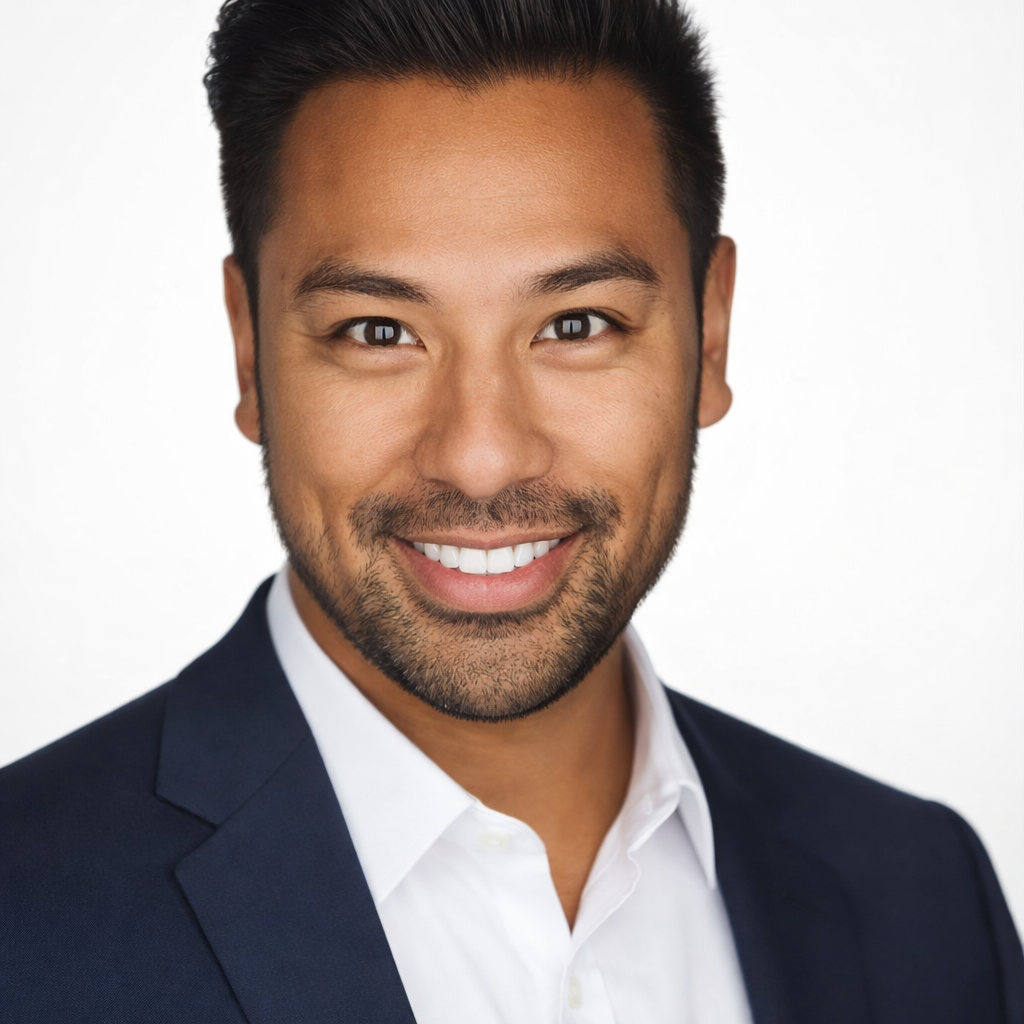
Sample Results
See what this tool can do with real photos.
BeforeAfterClean Up Skin Fast for Better Portraits example result
User Reviews
Based on 318 reviews
Karen S.
Beauty Enthusiast
"Tried a smokey eye look before buying the Urban Decay palette. Saved $54 because I realized it didn't suit my face shape."
Rebecca T.
Fashion Stylist
"Clients see themselves with different lip colors and eye makeup before we shop. They buy with more confidence and return less."
Ashley W.
Makeup Artist
"I preview the bridal look on the bride's photo before the trial. Cuts trial time from 2 hours to 45 minutes because we already agree on the vision."
What Is AI Blemish Remover?
An AI blemish remover cleans up pimples, spots, and minor skin distractions on portrait photos while preserving the natural skin texture — so your headshots, profile photos, and professional images look polished without looking digitally altered.
Why Choose This Tool
Natural Results, Not Plastic Skin
Over-smoothing kills the realism of a portrait. The blemish remover targets specific distractions while keeping your skin looking authentically human.
Ready for Professional Use
A small breakout or temporary spot should not ruin an otherwise great headshot. Clean up the distraction without a reshoot.
Faster Than Manual Editing
Skip the hours of manual retouching in Photoshop. Get a clean result in seconds, ready to use immediately.
You Shouldn't Need to Reshoot Because of One Bad Skin Day
Professional photography sessions are expensive and hard to reschedule. A breakout, a red mark, or under-eye circles shouldn't force you back to the photographer's studio. The AI blemish remover handles the cleanup in seconds — targeting only what needs fixing while leaving the rest of your skin looking natural and real.
How It Works
Upload Your Portrait
Upload the portrait or selfie you want to clean up.
Choose Your Cleanup Level
Select light cleanup, acne fix, under-eye, spot removal, or texture-preserving mode.
Download Your Clean Portrait
Review the result and download your cleaned-up photo ready for use.
Who Is This For?
Popular use cases for this tool.
Headshot and Profile Photo Polish
Clean up a professional headshot before uploading it to LinkedIn, a company website, or a speaker bio.
Job Application Photo
Remove temporary skin distractions from your profile photo before sending applications where appearance matters.
Social Media Post Preparation
Clean up a selfie before posting without the plasticky look of heavy beauty filters.
Under-Eye Circle Reduction
Reduce the appearance of tiredness or dark under-eye areas in photos taken after long work days or travel.
Frequently Asked Questions
Will the blemish remover make my skin look fake?
No. The tool is designed to target specific blemishes and marks while preserving your natural skin texture. The result looks retouched professionally, not digitally altered.
Can it handle active acne, not just single spots?
Yes. The acne fix preset handles multiple breakout areas across the face while maintaining a natural-looking result.
Does this work on photos taken in low light?
Yes, though better-lit photos produce cleaner results. The AI can still improve skin quality on moderately lit portraits.
Related Tools
Explore more AI photo tools you might like.